
Weekly Schedule
Weekly Schedule displays your station's programming lineup in your app. Show listeners what's playing now and what's coming up throughout the week.
Accessing Schedule Management
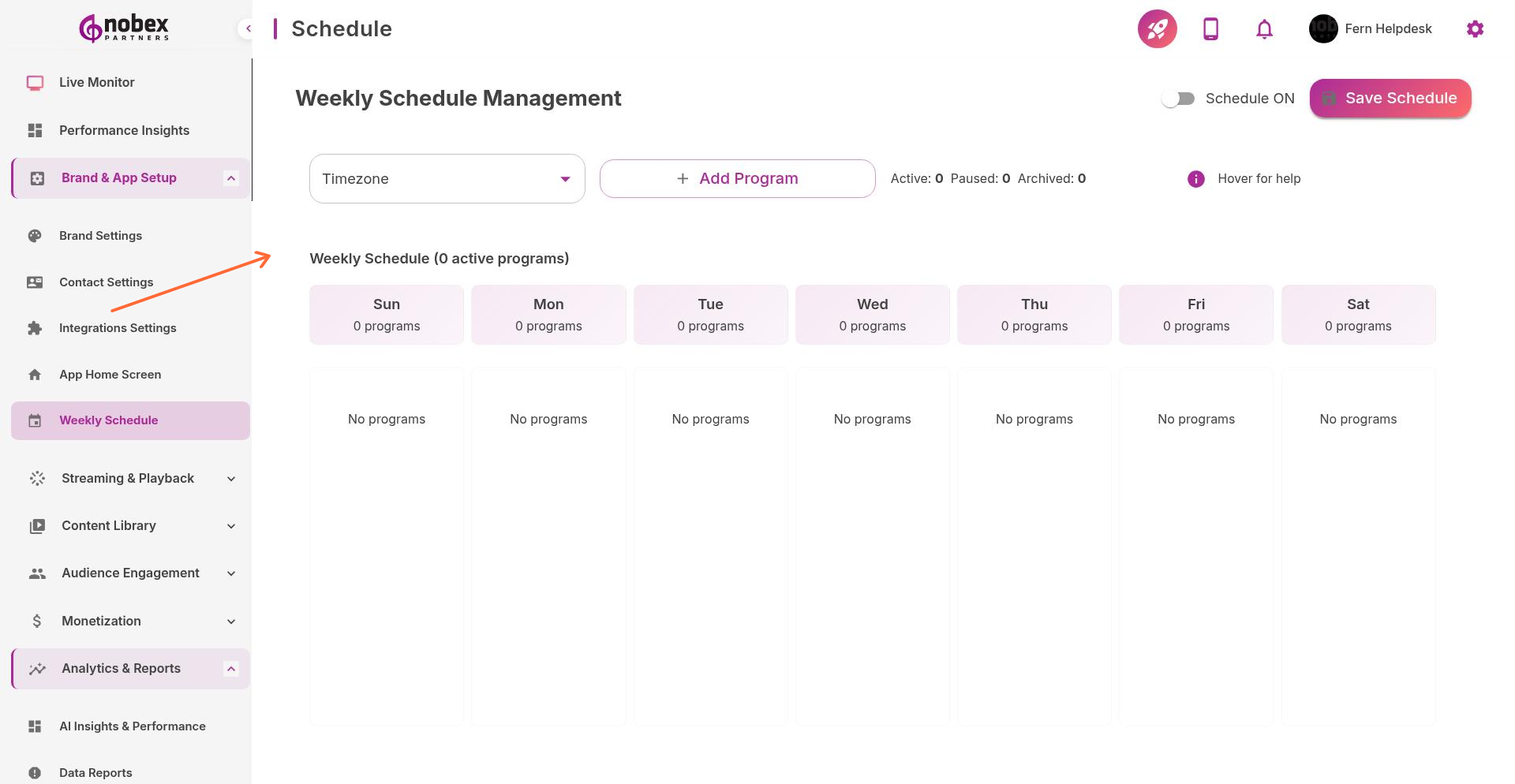
Navigate to Schedule from the main menu or visit /schedule.
Enabling the Schedule
Toggle Schedule ON at the top of the page to activate the schedule feature in your app. When enabled, listeners can view your programming lineup directly in the app.
Adding Programs
Click on a day and time slot to add a program. Enter:
Show Name — Program or DJ name
Time Range — Start and end time
Description — Brief show description (optional)
Host/DJ — Name of the show host (optional)
Image — Show artwork or DJ photo (optional)
Programs can repeat weekly/bi-weekly/monthly. Set recurring shows once instead of entering them daily.
Managing Your Schedule
Edit existing programs by clicking on them in the grid. Delete programs by selecting them and choosing Remove. Click Save Schedule after making changes to update your app.
Schedule changes sync to your app within a few minutes. Listeners see the updated programming the next time they open the schedule view.