
Stream Settings
Stream Settings configure your live audio broadcast—stream URL, format, bitrate, and playback behavior. This is where you connect your radio stream to your mobile app.
Before configuring stream settings, ensure you have your live stream URL from your broadcasting software or streaming provider.
Accessing Stream Settings
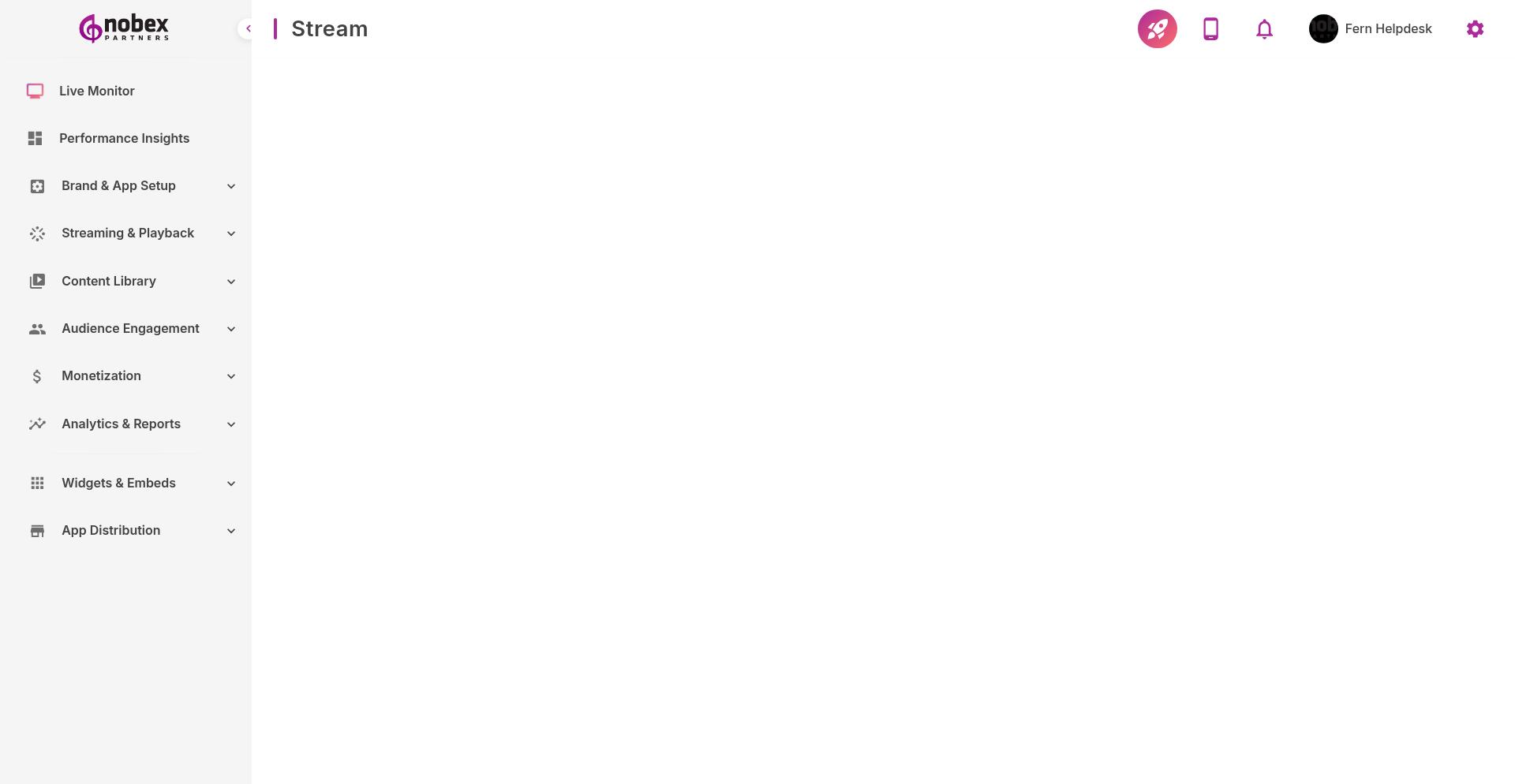
Navigate to App Settings → Stream or visit /app-settings/stream.
Required Configuration
Stream URL — Your live audio stream endpoint (HTTPS recommended)
Stream Format — Audio codec: MPEG, AAC, or WMA
Bitrate — Streaming quality (128kbps recommended for mobile)
Only MPEG, AAC, and WMA formats over HTTP/HTTPS are supported. Other formats may not play on iOS or Android.
Optional Settings
Backup Stream — Fallback URL if the primary stream fails
Buffer Duration — How much audio to buffer before playback starts
Auto-reconnect — Automatically reconnect if the stream drops
Testing Your Stream
After saving settings, test playback in your app immediately. If listeners report issues, verify your stream URL is publicly accessible and uses a supported format. Use tools like VLC Media Player to test the stream URL independently.
HTTPS streams are required for iOS apps due to App Transport Security. If you only have an HTTP stream, contact your streaming provider about enabling HTTPS.