
Shoutouts
Shoutouts let listeners request songs, dedications, or on-air mentions directly through your app. Manage the queue, approve requests, and engage with your audience in real-time.
Accessing Shoutouts
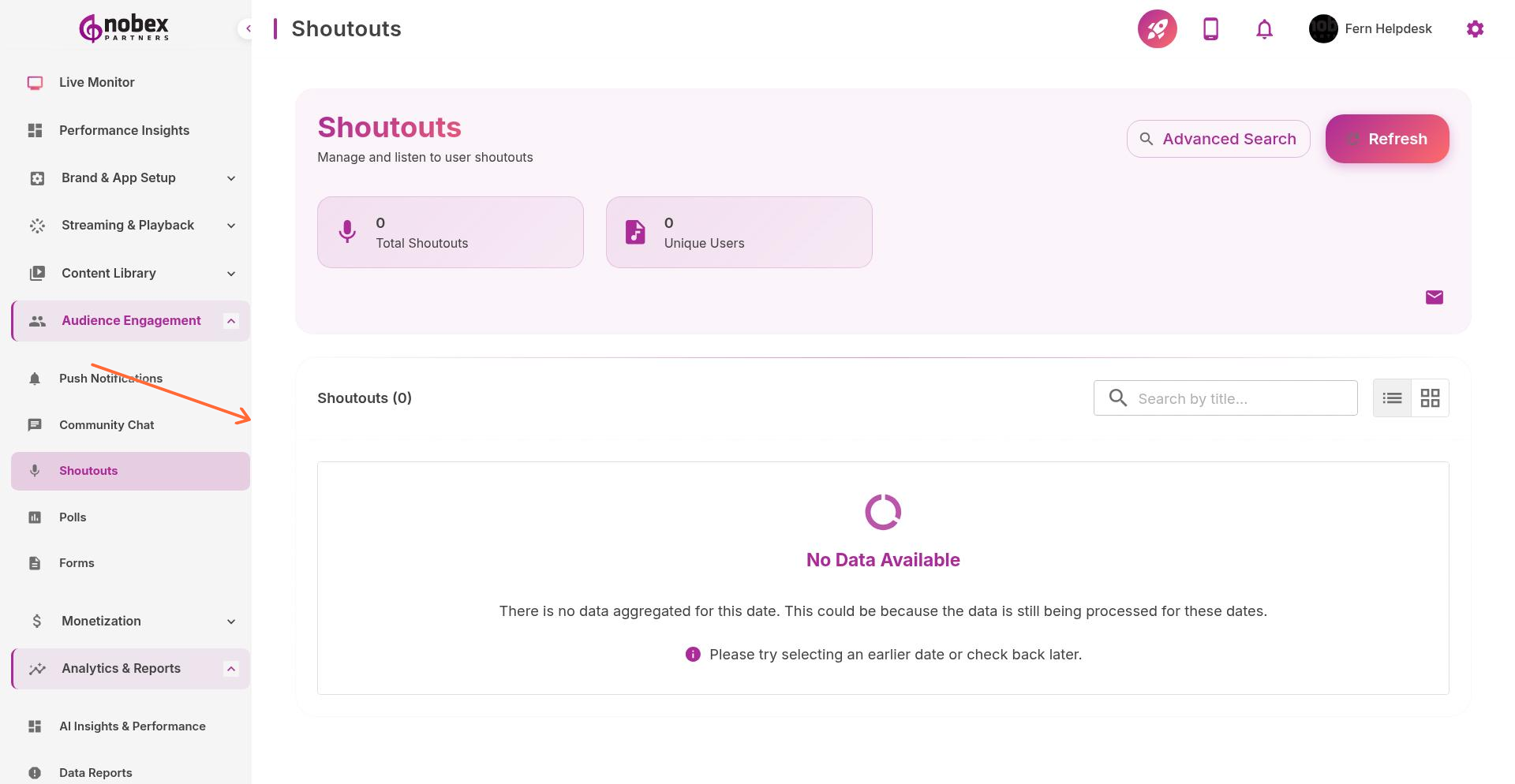
Navigate to Shoutouts from the sidebar or visit /shoutouts.
Getting Started
Click Getting Started to enable the Shoutouts feature in your app. Once enabled, listeners can submit:
Song Requests — Request specific songs to be played
Dedications — Send messages to loved ones on-air
Birthday/Anniversary Shoutouts — Celebrate special occasions
General Messages — Comments or questions for DJs
Managing Requests
View incoming shoutouts in the queue. For each request, you can:
Approve — Add to your on-air list
Decline — Remove inappropriate or duplicate requests
Mark as Played — Track which requests you've honored on-air
Respond — Send a message back to the listener
Enable push notifications for new shoutouts during live shows so you never miss a request.
Shoutout Settings
Configure which types of shoutouts to accept, whether to require user registration, and if shoutouts need pre-approval before appearing to other listeners.
Shoutouts drive engagement. Listeners who submit requests are 3x more likely to become regular users.