
Community Chat
Community Chat enables real-time messaging between listeners inside your app. Moderate conversations, respond to questions, and build community among your audience.
Accessing Community Chat
Navigate to Chat from the sidebar or visit /chat. Use the Chat tab to view and moderate messages.
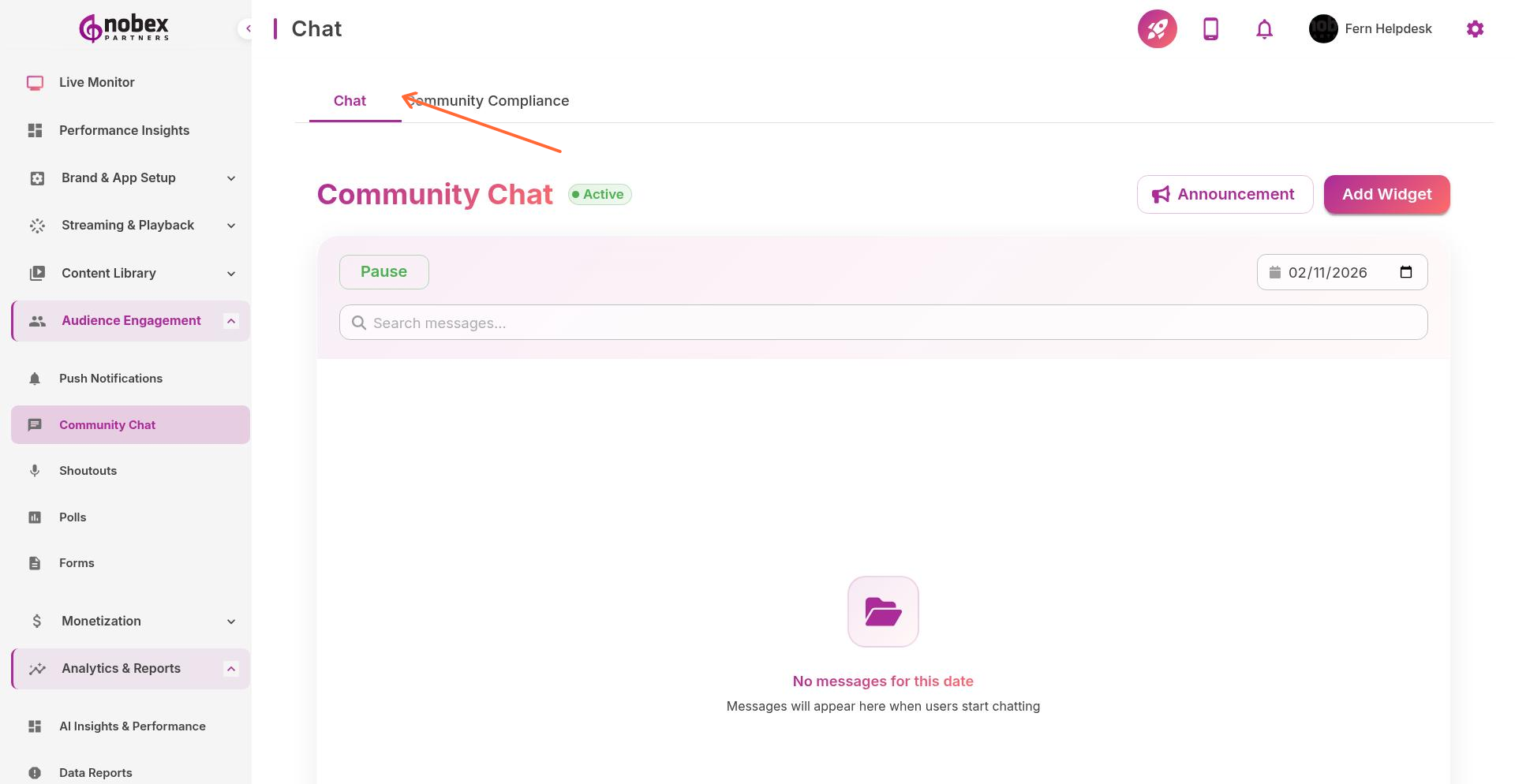
Viewing Messages
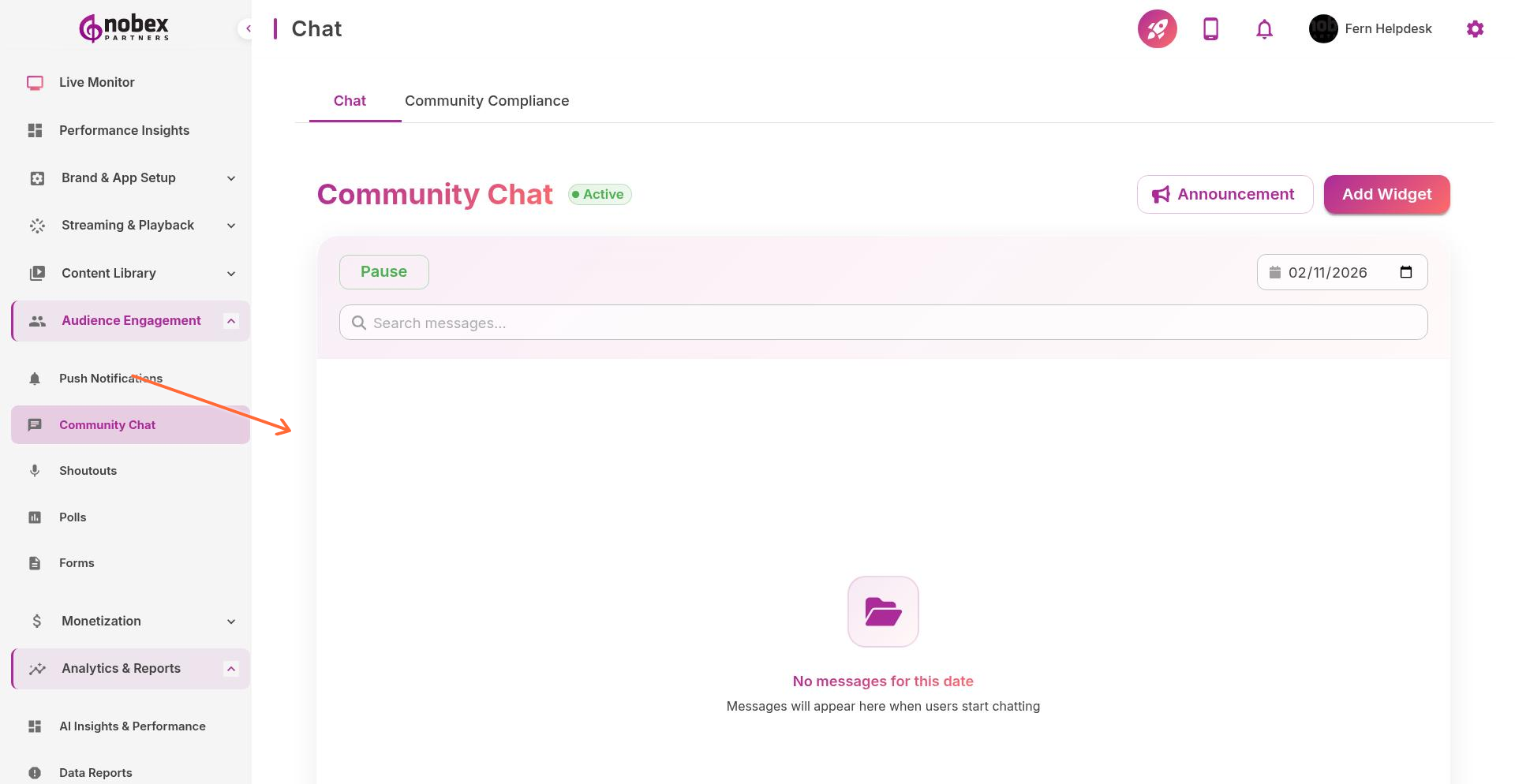
The Chat tab shows all user messages in real-time. Filter by:
Date — View messages from specific days using the calendar picker
Search — Find messages containing specific keywords or from specific users
Status — See all messages, flagged content, or blocked users
Moderation Actions
Delete Messages — Remove inappropriate content
Block Users — Prevent specific users from posting
Flag Content — Mark messages for review
Respond — Reply directly to listener messages
Enable notifications for new chat messages so you can respond quickly during live shows.
Chat Analytics
Track chat activity, most active users, and engagement trends in the Chat Dashboard view. Use this data to identify your most engaged listeners and optimal times for interactive segments.