
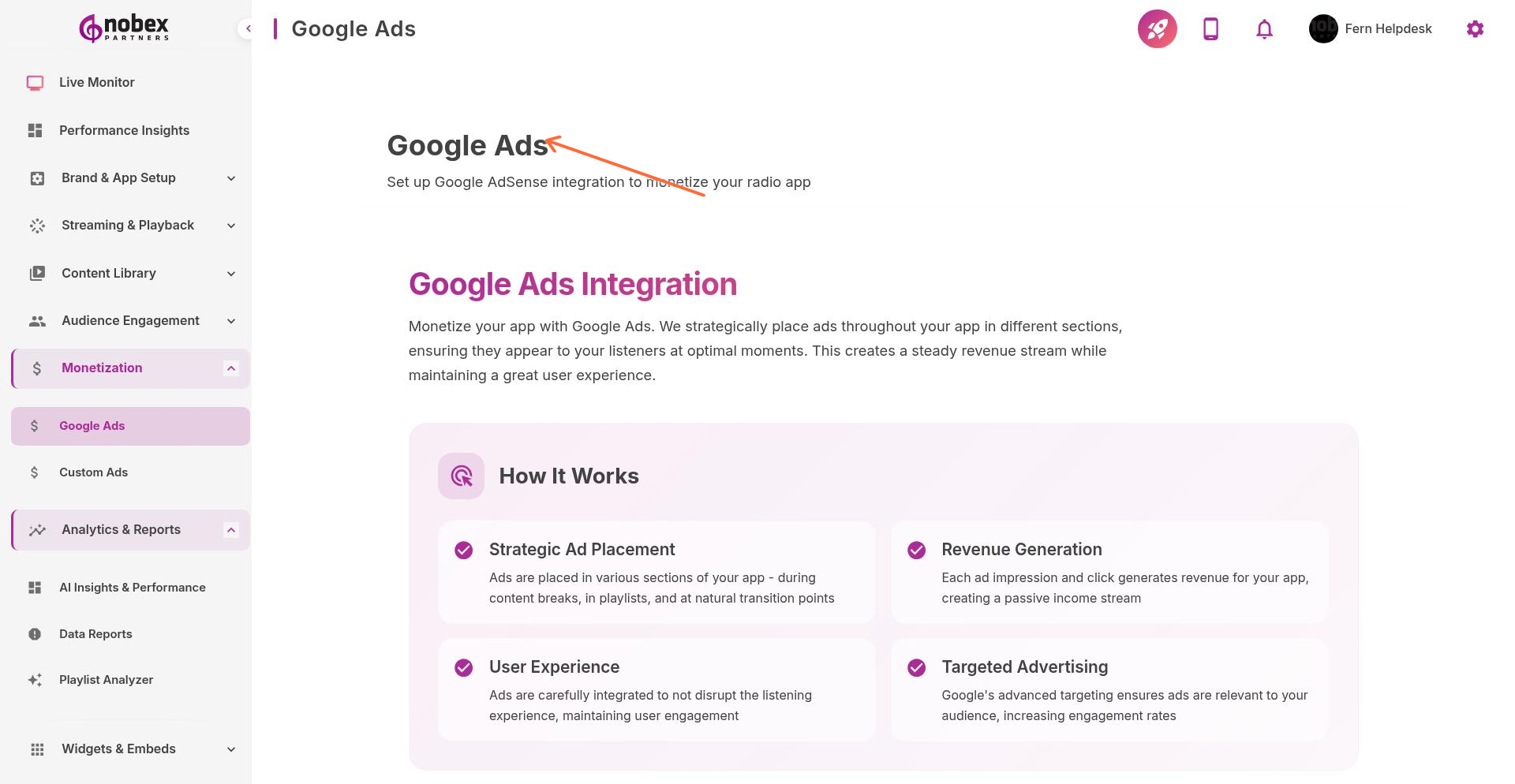
Google Ads Integration
Google Ads integration lets you monetize your app by displaying AdMob banner and interstitial ads. Earn revenue from ad impressions and clicks based on your listener activity.
Accessing Google Ads Settings
Navigate to Monetization → Google Ads or visit /monetization/google-ads.
Setting Up AdMob
You'll need a Google AdMob account before enabling ads. Sign up at admob.google.com if you don't have one yet.
To connect AdMob to your app:
Create an AdMob account and register your iOS and Android apps
Generate Ad Unit IDs for banner ads and interstitial ads
Enter your Ad Unit IDs in the Nobex dashboard
Save and test ads in your app
Ad Unit Types
Banner Ads — Small ads that appear at top or bottom of app screens
Interstitial Ads — Full-screen ads shown during natural breaks (between songs, when switching screens)
Native Ads — Ads styled to match your app's design (Pro plan feature)
Too many ads hurt user experience. Balance revenue with listener satisfaction—avoid interstitials more than once per 5 minutes.
Tracking Revenue
Monitor ad performance and earnings in your AdMob dashboard. View app-level revenue data in the Nobex Reports section under Revenues.
Revenue depends on listener location and engagement. US/UK listeners typically generate higher CPMs than other regions.