
Playlist Analyzer
Playlist Analyzer uses AI to evaluate your song rotation, identify patterns, and recommend changes to improve listener engagement and retention.
Playlist Analyzer is a Pro plan feature that requires active now-playing metadata tracking.
Accessing Playlist Analyzer
Navigate to Playlist Analyzer from the sidebar or visit /playlist-analyzer.
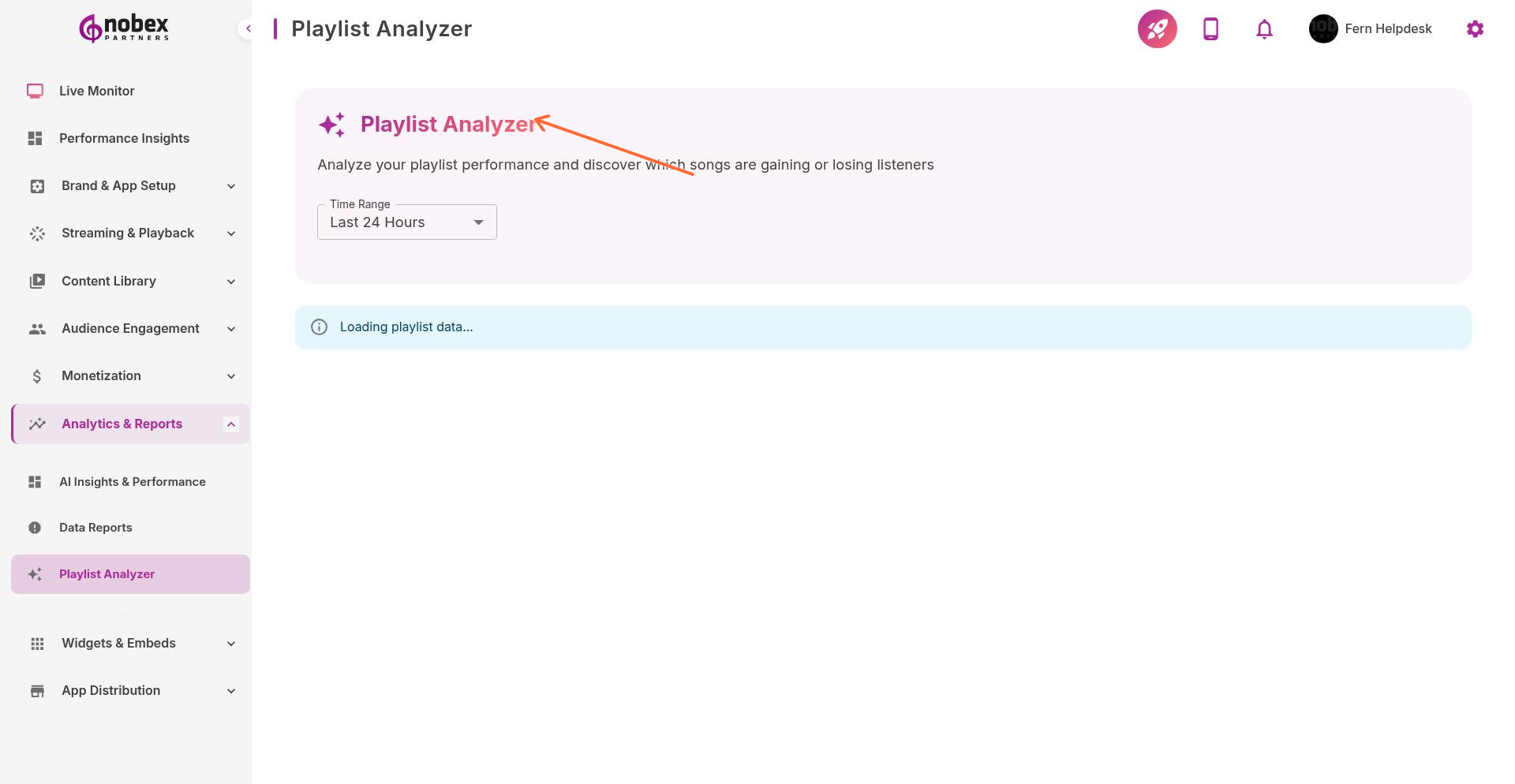
What It Analyzes
The analyzer evaluates your playlist across multiple dimensions:
Rotation Balance — Are you playing certain songs too often or too rarely?
Energy Flow — Does your playlist have good tempo variety and momentum?
Artist Diversity — Are you over-relying on specific artists?
Genre Mix — Is your content mix aligned with your station format?
Listener Response — Which songs correlate with listener gains or losses?
AI Recommendations
Based on analysis, you'll receive actionable suggestions:
Songs to play more frequently (high engagement, under-rotated)
Songs to reduce or remove (consistent tune-out triggers)
Ideal spacing between repeat plays of the same track
Time slots where specific songs perform best
Gaps in your library that could be filled to improve variety
Run Playlist Analyzer weekly after making changes. Give adjustments time to show results before making more changes.
Applying Insights
Export recommendations and apply them to your broadcasting software's rotation rules. Most automation tools let you set play frequency, daypart restrictions, and artist separation—adjust these based on Analyzer feedback.
Don't blindly follow every recommendation. Balance data with your station's brand and format. The analyzer guides decisions but doesn't replace programming expertise.