
Chat Compliance & Moderation
Chat Compliance helps you maintain community standards by setting automated moderation rules, managing blocked users, and reviewing reported content.
Accessing Compliance Settings
Navigate to Chat → Compliance or visit /chat/compliance.
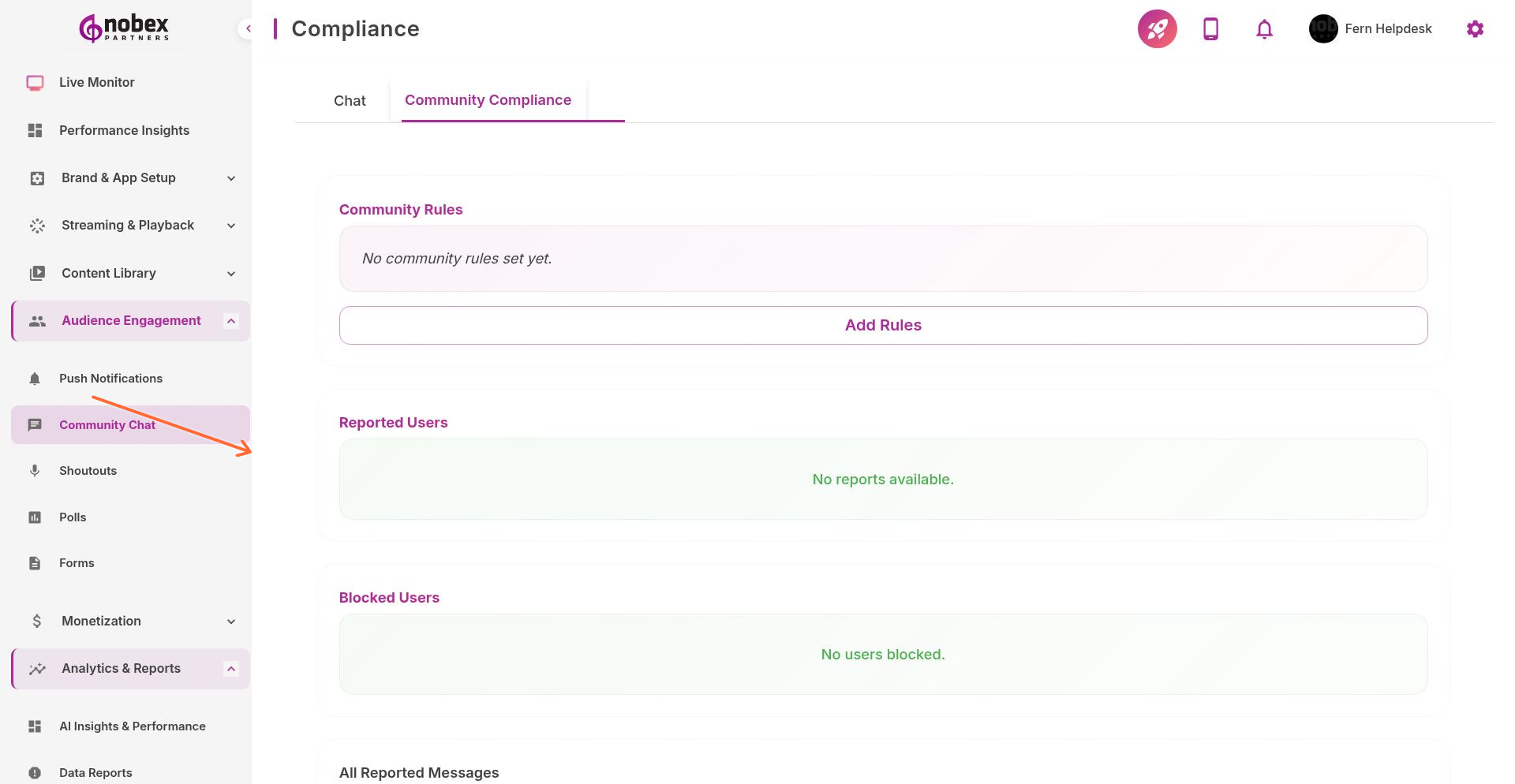
Community Rules
Click Add Rules to set guidelines that appear to users before they can post in chat. Define:
Prohibited Language — Automatically block or flag messages containing specific words
Spam Detection — Limit repeated messages or excessive posting
Link Filtering — Block or require approval for messages with URLs
Code of Conduct — Display your community guidelines to all chat users
Reported Content
Review messages that users have flagged as inappropriate in the All Reported Messages section. Take action by:
Deleting the message
Blocking the sender
Dismissing the report if the message is acceptable
Blocked Users
View and manage blocked users in the Blocked Users section. Unblock users if needed. Blocked users can still listen to your stream but cannot post in chat.
Reported Users shows accounts that have received multiple flags from other listeners. Review these accounts regularly to identify repeat offenders.
Automated filters reduce moderation workload but won't catch everything. Monitor chat regularly, especially during live shows.