
Audio Stories
Audio Stories are short-form audio clips—station IDs, promos, news updates, or bite-sized content that listeners can play on-demand in your app.
Accessing Audio Stories
Navigate to Audio Stories from the sidebar or visit /audio-stories.
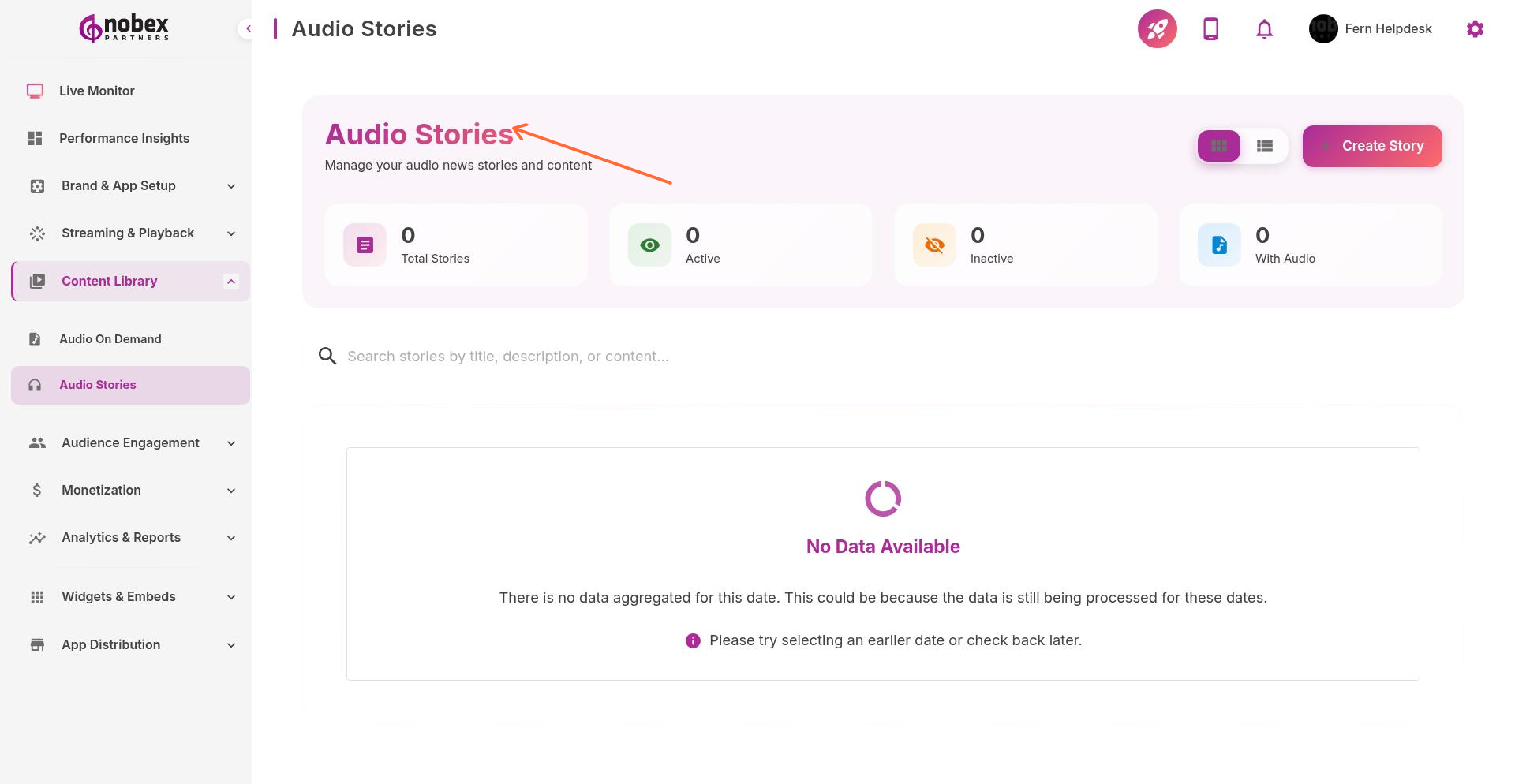
Creating Stories
Upload short audio clips (typically 15 seconds to 5 minutes):
Station Promos — Promotional clips about your station or shows
News Briefs — Quick news updates or headlines
Announcements — Event info, contest details, or public service messages
Featured Content — Highlights or teasers from longer shows
Story Details
For each story, provide:
Title — Story headline
Cover Image — Visual thumbnail for the story
Audio File — MP3 or AAC clip
Publish Date — When the story should appear (can schedule future stories)
Expiration — Optional date when the story should automatically hide
Keep stories under 2 minutes. Listeners expect quick, digestible content in the Stories section.
Display in Your App
Audio Stories appear as a scrollable feed in your app, similar to social media stories. New stories appear at the top. Listeners can swipe through and play them with a single tap.
Use expiration dates for time-sensitive content like event announcements or contest deadlines. Expired stories hide automatically.