
Integrations Settings
Integrations Settings let you connect third-party services to your app—social media feeds, RSS podcasts, analytics platforms, and specialty content sources.
Accessing Integrations
Navigate to App Settings → Integrations or visit /app-settings/integrations.
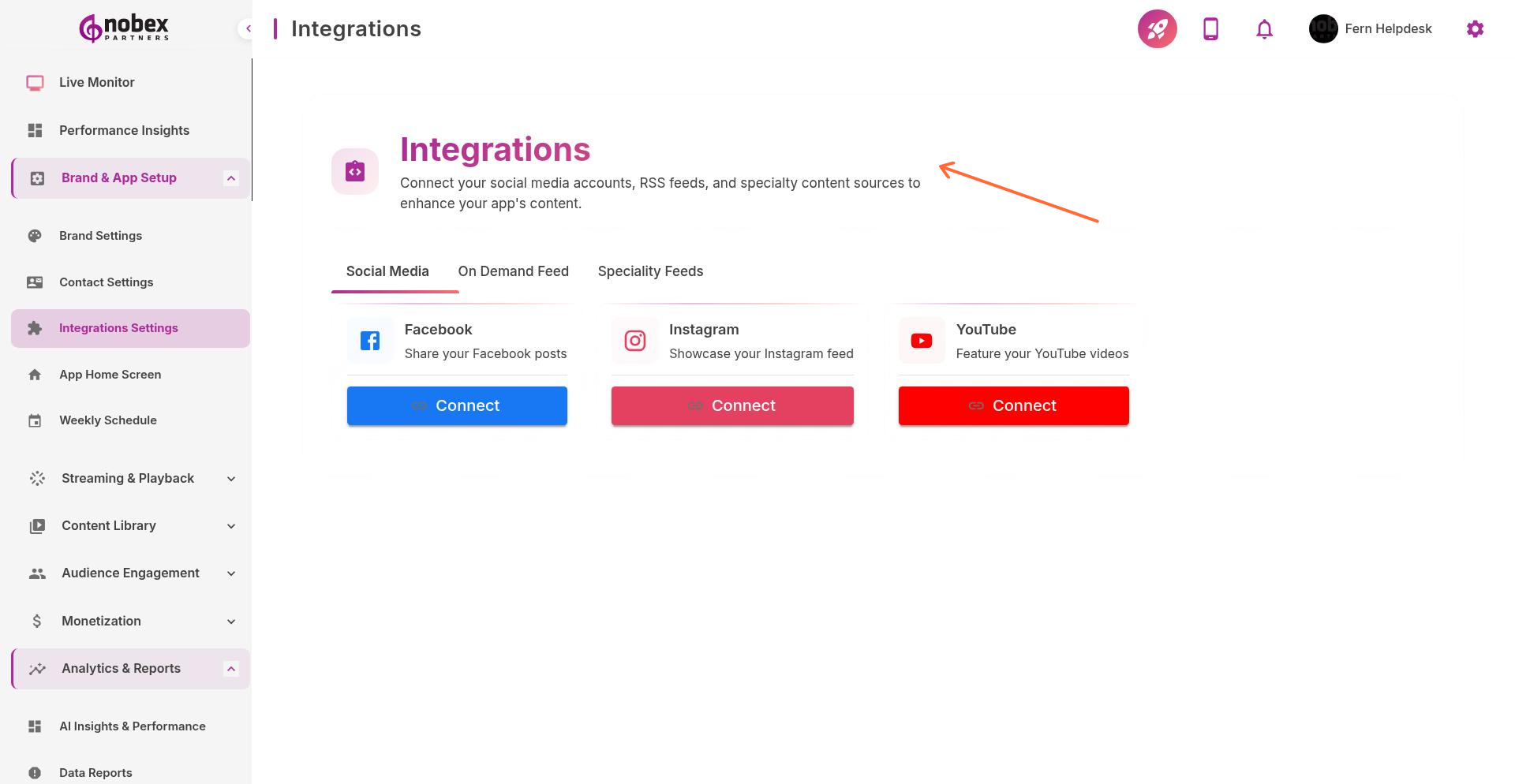
Available Integrations
Social Media Sync — Automatically pull posts from Facebook, Twitter, or Instagram into your app
RSS Feeds — Import podcast episodes or news feeds for on-demand content
Analytics — Connect Google Analytics or other tracking platforms
Specialty Content — Custom integrations for news, weather, sports scores, etc.
Some integrations require API keys or authentication. Have your credentials ready before connecting services.
Setup Process
Click the integration you want to enable, enter required credentials or API keys, and save. Most integrations sync automatically once configured—check your app to verify content is appearing correctly.
RSS feeds must use HTTPS URLs. HTTP feeds may not work on iOS due to App Transport Security requirements.