
Stream Playlist
Stream Playlist manages the "now playing" metadata that displays in your app while the live stream is active. Update song titles, artist names, and album art in real-time.
Accessing Stream Playlist
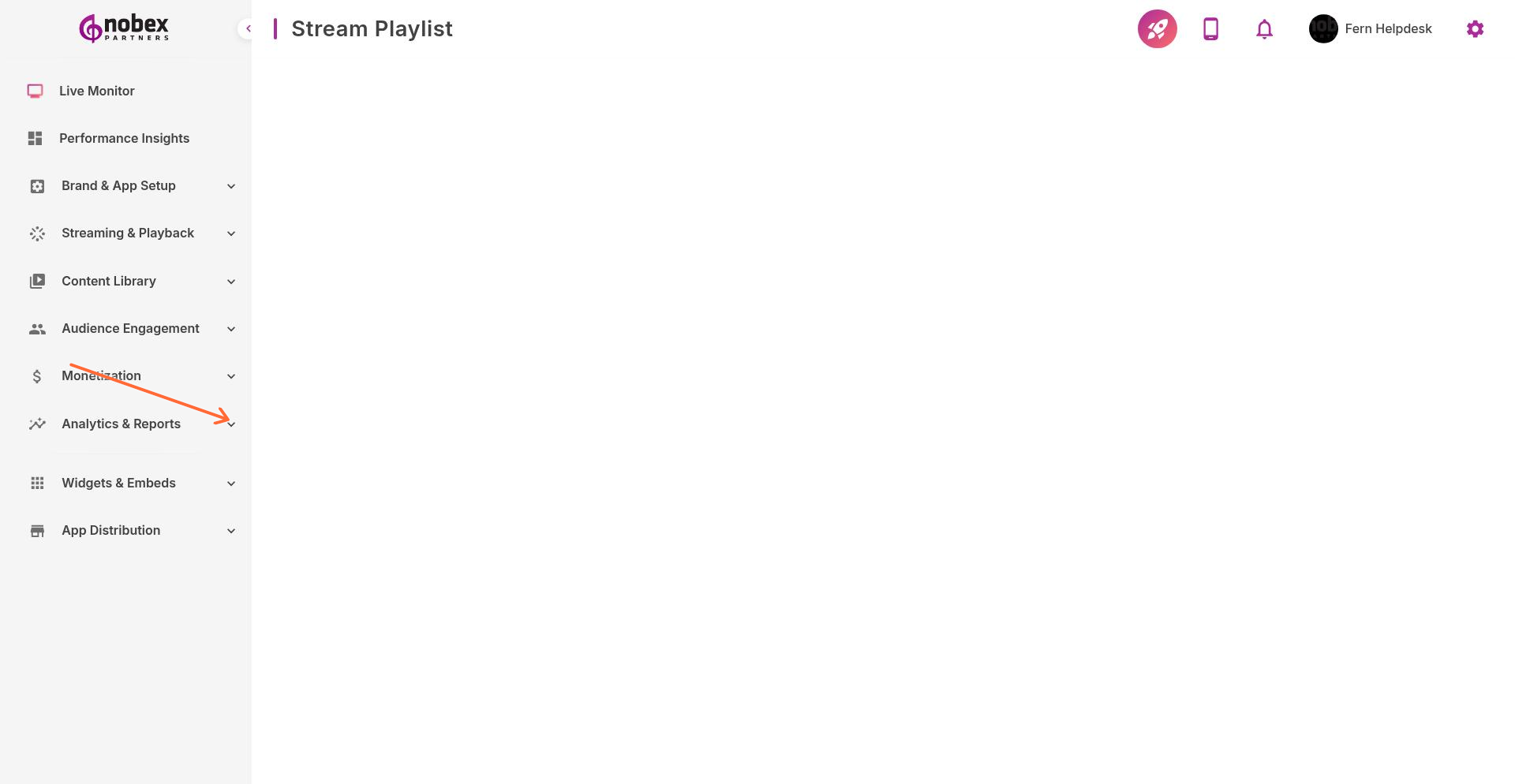
Navigate to Stream Playlist from the main menu or visit /stream-playlist.
Updating Now Playing Info
Manually enter or update:
Song Title — Current track name
Artist — Performer or band name
Album — Album name (optional)
Album Art — Cover image (displays in app and on lock screens)
Many broadcasting tools (like SAM Broadcaster or RadioDJ) can automatically send now-playing data to Nobex. Check your software's metadata export settings.
Automatic Metadata
If your streaming software supports metadata injection, the Stream Playlist updates automatically. Configure your broadcaster to send Icy-Metadata or use the Nobex API to push updates programmatically.
History & Reports
The playlist keeps a history of played tracks. Use this data for ASCAP/BMI reporting or to analyze which songs drive listener engagement in the Reports section.
Accurate now-playing data improves listener experience and helps with music licensing compliance.