
Audio On-Demand Reports
Audio On-Demand Reports show how listeners engage with your podcast episodes and archived shows. Track plays, completion rates, and discover your most popular content.
Accessing Audio On-Demand Reports
Navigate to Reports and select the Audio On-Demand tab, or visit /reports/on-demand.
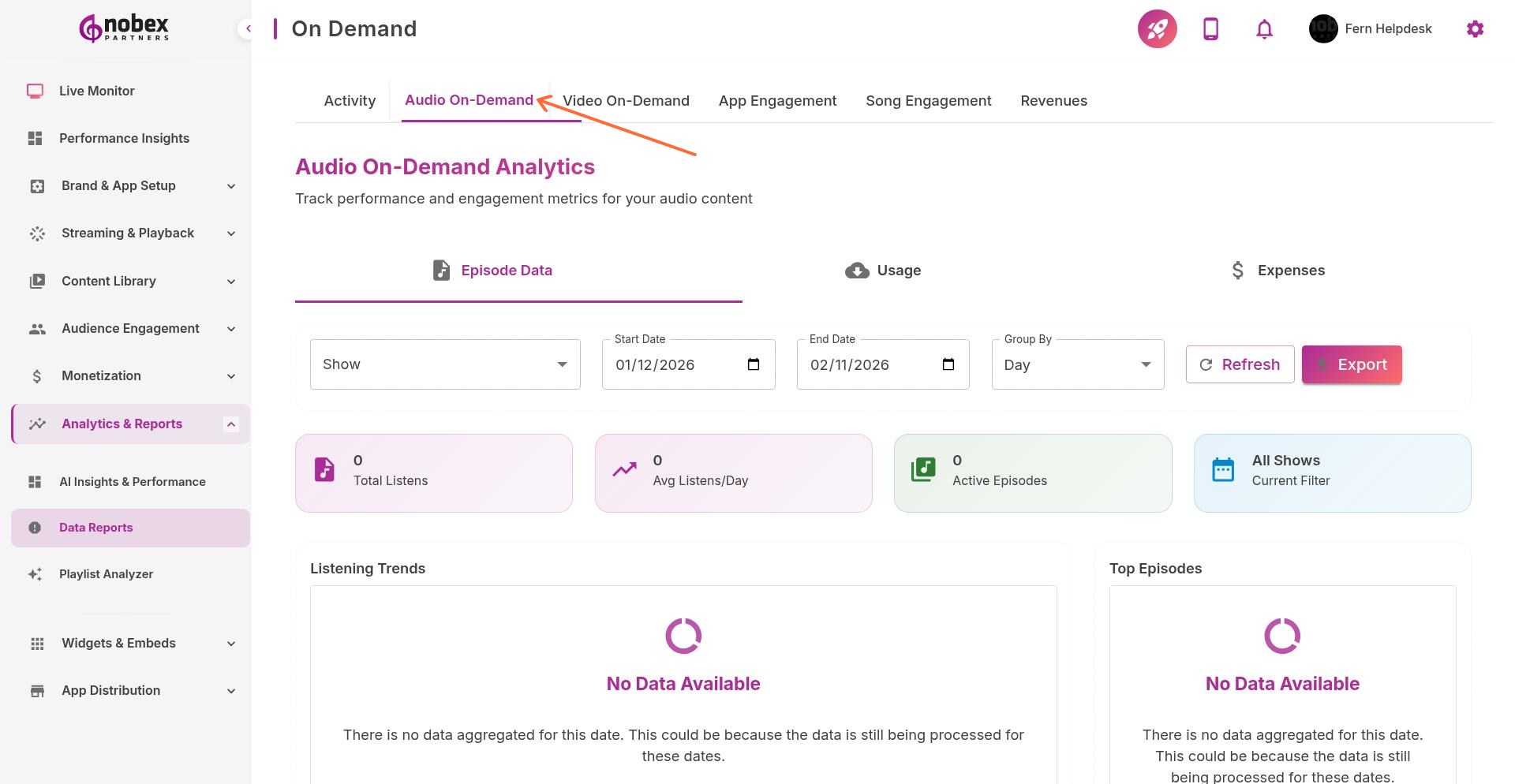
Key Metrics
Total Plays — How many times episodes were started
Unique Listeners — Number of individual users who played content
Completion Rate — Percentage of listeners who finish episodes
Average Listen Duration — How long listeners typically engage
Drop-off Points — Where listeners stop playing (identifies boring segments)
Episode-Level Analytics
See performance for individual episodes:
Which episodes attract the most listeners
Time-of-day patterns for on-demand listening
Platform breakdown (iOS vs. Android)
Geographic distribution of listeners
High play counts with low completion rates suggest misleading titles or slow intros. Hook listeners in the first 60 seconds.
Using the Data
Apply these insights to improve content:
Promote top-performing episodes more heavily
Study successful episodes to identify patterns (topics, length, format)
Cut episodes that consistently underperform
Schedule new releases when your audience is most active