
Account Settings
Account Settings control global configuration for your Nobex dashboard—timezone, notifications, security, and general preferences.
Account Settings are admin-only. Other user roles cannot access or modify these settings.
Accessing Settings
Navigate to Settings from the header menu or visit /settings.
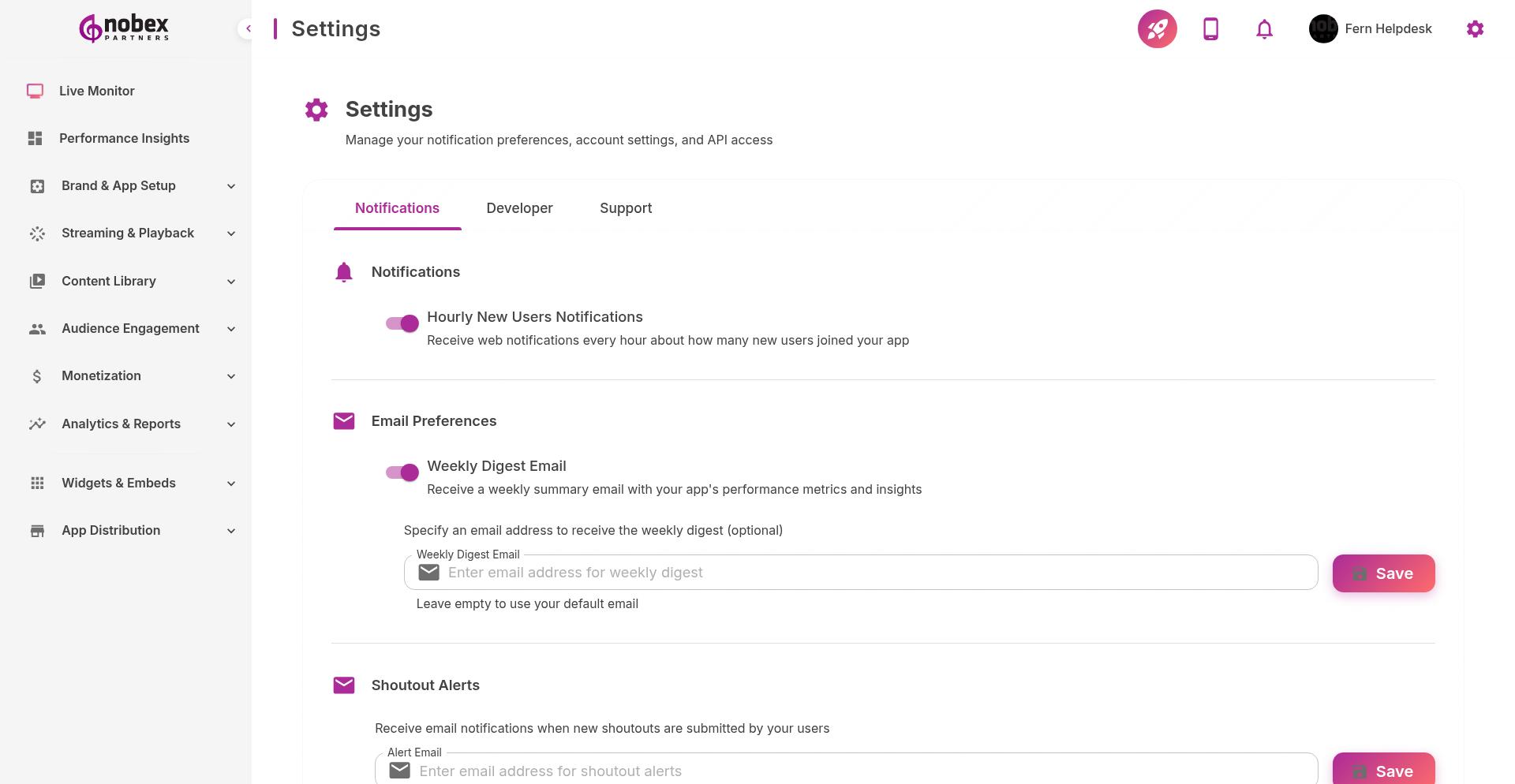
General Settings
Account Name — Your station or organization name
Primary Email — Main contact email for account notifications
Timezone — Sets schedule display and report time ranges
Language — Dashboard interface language
Date Format — How dates display in reports and logs
Notification Preferences
Control when and how you receive alerts:
New User Signups — Alert when someone downloads your app
Chat Messages — Get notified of new community chat activity
Form Submissions — Alert when listeners submit forms
Stream Issues — Immediate notification if your stream goes offline
Weekly Reports — Automated summary of listener activity
Enable stream issue notifications via SMS if available. Downtime costs listeners—respond immediately.
Security Settings
Two-Factor Authentication — Require 2FA for all admin accounts
Session Timeout — Auto-logout after inactivity
IP Restrictions — Limit dashboard access to specific IP addresses (Enterprise only)
Password Policy — Enforce strong passwords for all team members
Changes to security settings affect all users on your account. Communicate policy changes to your team.