
Contact Settings
Contact Settings define how listeners can reach you. This information appears in your app's contact or about section.
Accessing Contact Settings
Navigate to App Settings → Contact or visit /app-settings/contact.
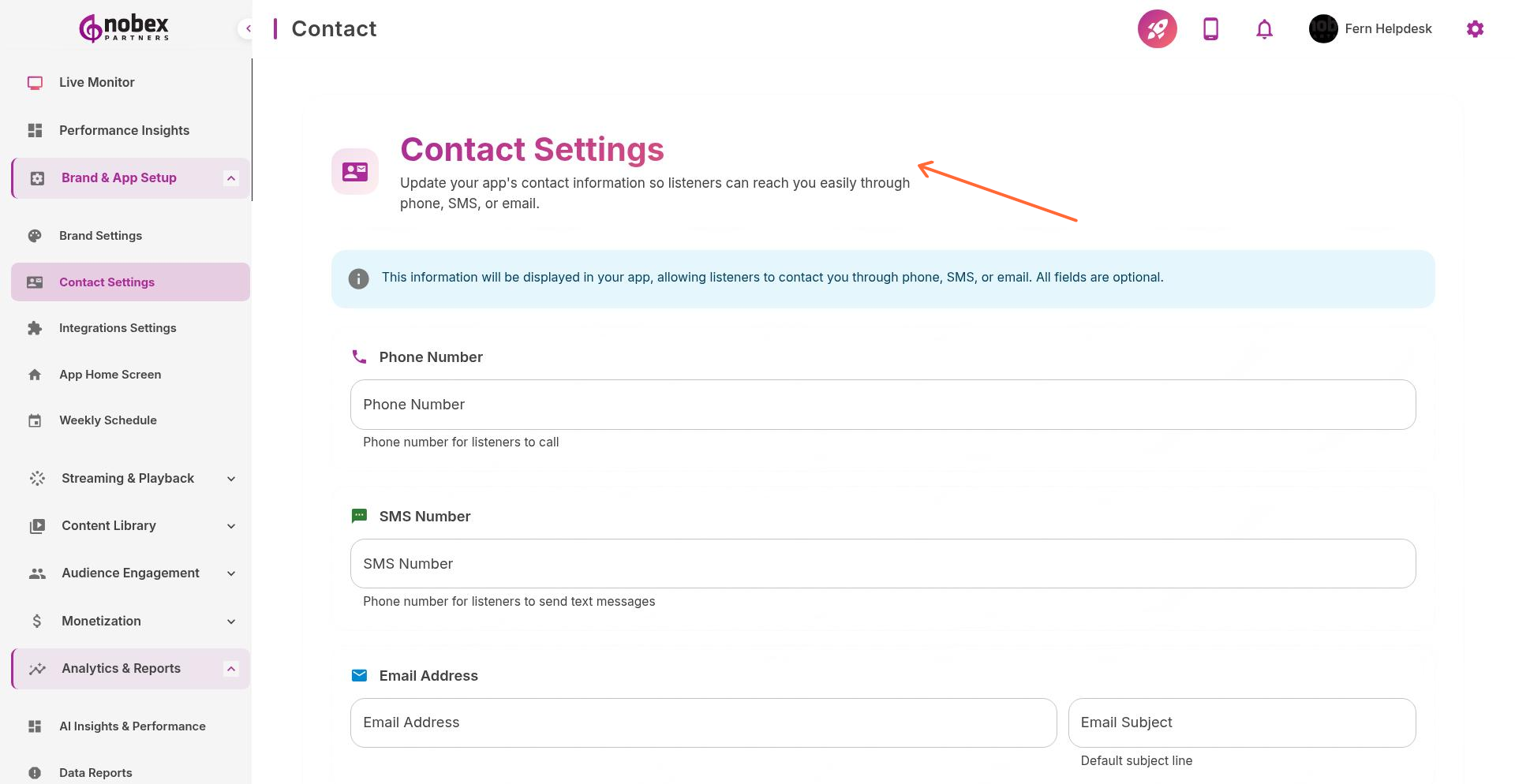
Contact Information Fields
Email — Primary contact email for listener inquiries
Phone — Studio or business phone number (optional)
Website — Link to your station's website
Social Media — Links to Facebook, Twitter, Instagram, etc.
Physical Address — Studio or business address (optional)
Keep contact information current. Listeners use this to request songs, report issues, or inquire about advertising.
Privacy Note
Only include information you're comfortable making public. All contact details entered here will be visible to app users.
Was this helpful?
Was this helpful?