
Audio On Demand
Audio On Demand lets you offer podcast episodes, archived shows, and pre-recorded content in your app. Listeners can browse and play your on-demand library anytime.
Accessing Audio On Demand
Navigate to On Demand → Audio from the sidebar or visit /on-demand/audio.
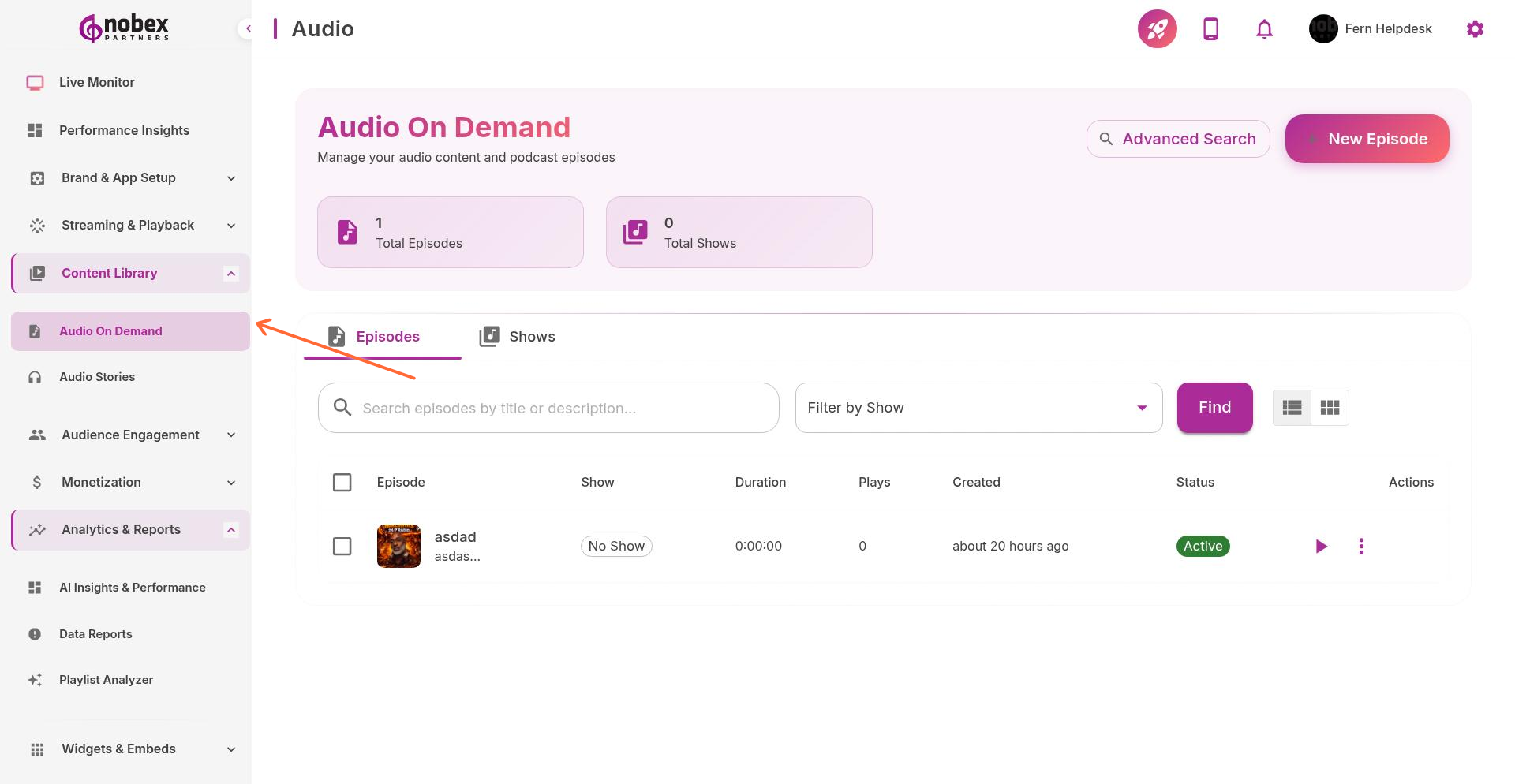
Adding Audio Content
Upload individual episodes or import entire podcasts:
Manual Upload — Upload MP3/AAC files directly from your computer
RSS Import — Import an entire podcast feed by entering the RSS URL
Scheduled Releases — Schedule episodes to publish automatically at specific dates/times
Use RSS import to sync your podcast automatically. New episodes appear in your app as soon as they're published to your feed.
Episode Details
For each episode, provide:
Title — Episode name
Description — Show notes or episode summary
Artwork — Episode or show cover image
Duration — Detected automatically from audio file
Category/Tags — Organize episodes by topic or show
Syndication
Nobex can generate an RSS feed for your on-demand content, making it available on Apple Podcasts, Spotify, and other podcast platforms. Enable syndication in your Audio On Demand settings.
Syndication helps grow your audience beyond your app. Listeners discover you on major podcast platforms and can subscribe to your feed.