
App Engagement Reports
App Engagement Reports reveal how listeners interact with your app—which features they use, how often they return, and what keeps them engaged.
Accessing App Engagement Reports
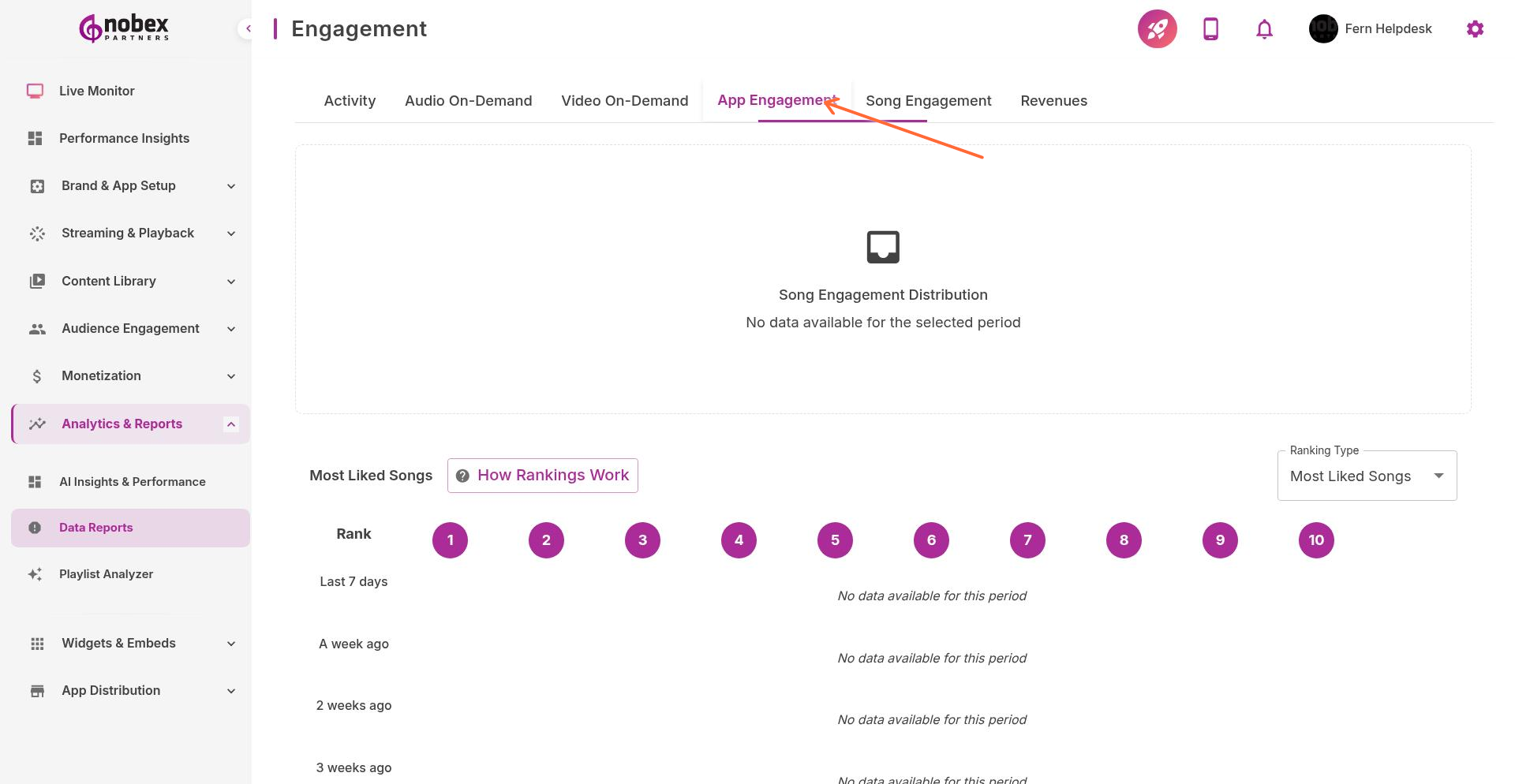
Navigate to Reports and select the App Engagement tab, or visit /reports/engagement.
Key Metrics
Daily Active Users (DAU) — How many people use your app each day
Monthly Active Users (MAU) — Total unique users per month
Retention Rate — Percentage of users who return after first use
Session Length — Average time spent in app per visit
Sessions per User — How often users open the app
Feature Usage
See which features drive engagement:
Live stream listening vs. on-demand content
Chat participation rates
Poll and shoutout submissions
Push notification click-through rates
Social sharing activity
Focus on improving features with high usage. If chat is popular, invest time in moderation and community building.
Cohort Analysis
Track how different user groups behave over time:
New users acquired this week vs. last month
iOS vs. Android user engagement patterns
Users from different geographic regions
Users acquired via different marketing channels
Healthy apps see 30-40% week-1 retention. If yours is lower, focus on onboarding improvements and early engagement hooks.