
Revenue Reports
Revenue Reports track all monetization activity in your app—ad earnings from Google Ads, custom ad impressions, in-app purchases, and subscription revenue.
Accessing Revenue Reports
Navigate to Reports and select the Revenues tab, or visit /reports/revenues.
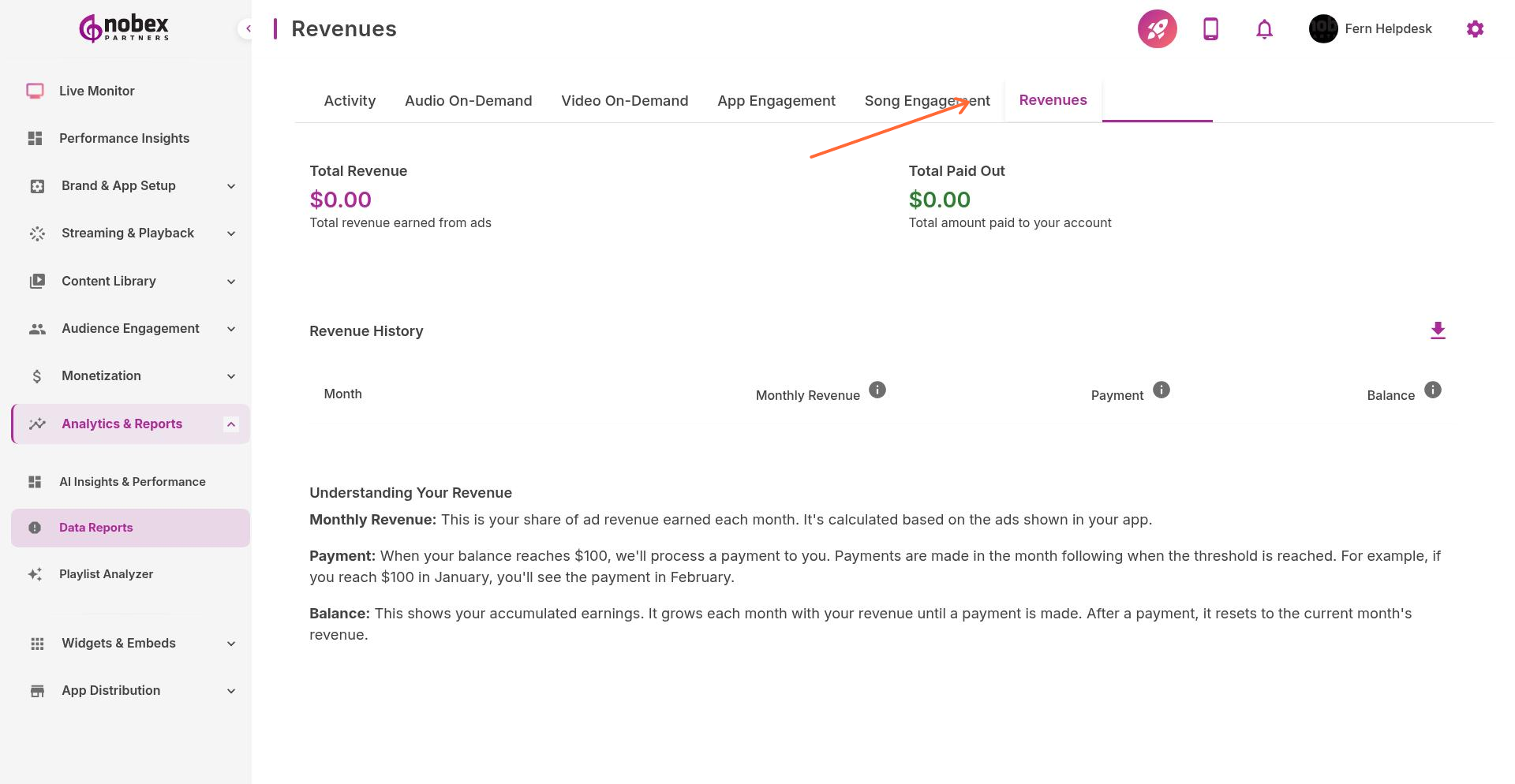
Key Metrics
Total Revenue — Combined earnings across all monetization sources
Ad Revenue — Earnings from Google AdMob and custom ads
Ad Impressions — How many times ads were displayed
eCPM — Effective cost per thousand impressions (average ad value)
Click-Through Rate — Percentage of ad views that resulted in clicks
Revenue Breakdown
See detailed revenue sources:
Google Ads — AdMob earnings by ad unit (banner vs. interstitial)
Custom Ads — Revenue from directly-sold advertising
In-App Purchases — One-time purchases made by listeners (if enabled)
Subscriptions — Recurring revenue from premium features (if enabled)
Compare eCPM across different ad units to optimize placement. Higher eCPM units should get more prominent positions.
Maximizing Revenue
Use revenue data to optimize earnings:
Identify peak listening times and schedule more ads then
Test different ad formats to find what generates the best eCPM
Sell custom ads for time slots where Google Ad eCPM is low
Track which content drives the most engaged (and valuable) listeners
Revenue varies significantly by listener geography. US listeners typically generate 5-10x more ad revenue than international audiences.