
Push Notifications
Push Notifications let you send instant alerts to your app users—announce new shows, promote events, share breaking news, or remind listeners to tune in during peak times.
Accessing Push Notifications
Navigate to Push from the sidebar or visit /push.
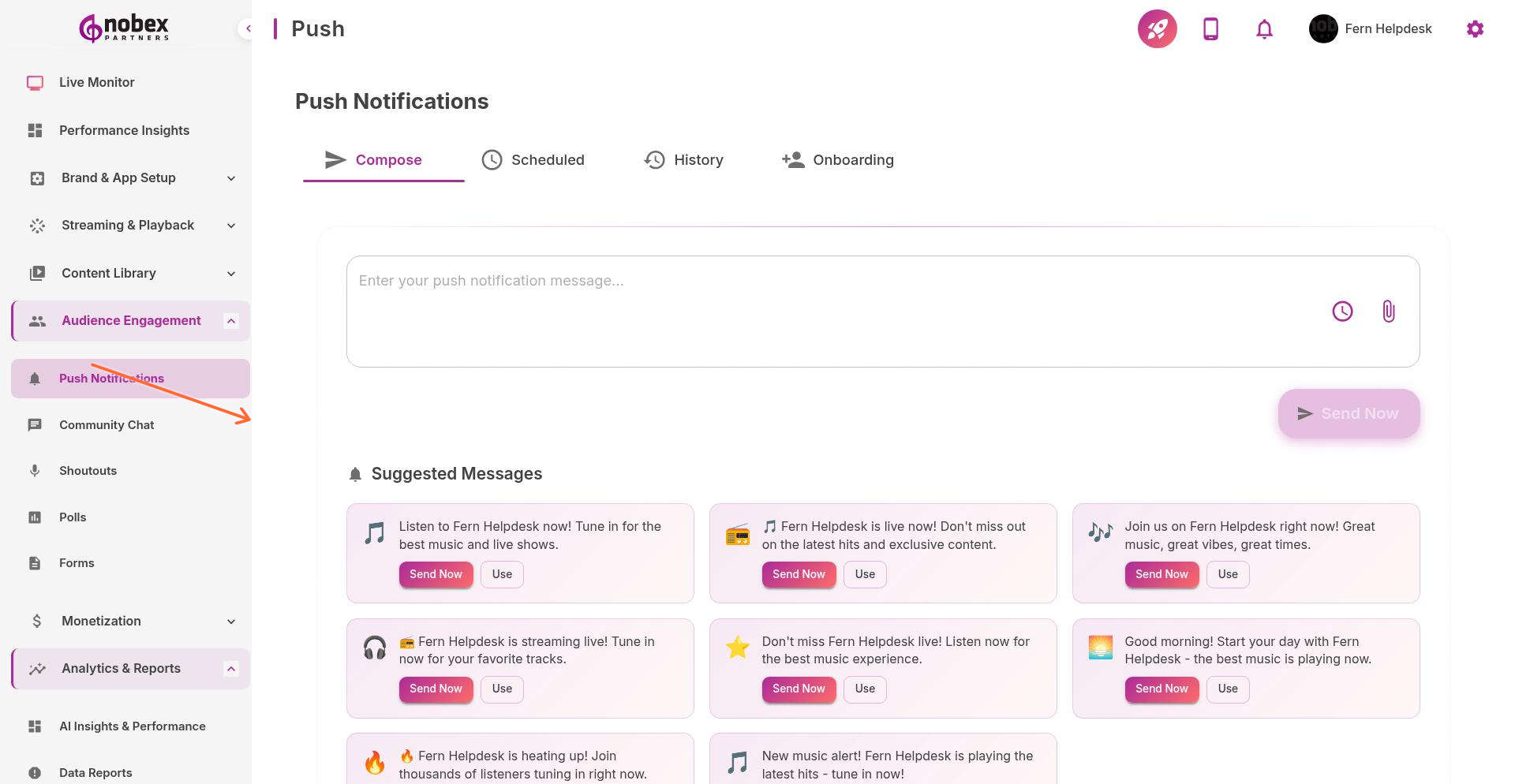
Creating a Campaign
Click New Push Campaign to send a notification. Provide:
Title — Notification headline (shows in bold)
Message — Body text (keep under 150 characters for best display)
Target Audience — All users, iOS only, Android only, or specific segments
Send Time — Send immediately or schedule for later
Action — What happens when users tap (open app, play stream, open specific content)
Users can disable notifications. Respect this—don't over-send. Aim for 1-3 notifications per week maximum.
Best Practices
Timing matters — Check Performance Insights for when your audience is most active
Be specific — "DJ Smith live now with your requests" beats "New show starting"
Track results — Review click-through rates in Reports to see what resonates
The Live Monitor suggests optimal times to send push notifications based on current listener activity.