
Chapter 8: Using App Distribution Features
The App Distribution section gives you control over where your app appears in app stores, plus access to professional design and growth services to maximize your app's success.
Before you begin: Your app must be submitted to the app stores before you can adjust distribution settings. If you haven't completed setup, see Setting up your Nobex App.
Accessing App Distribution
Log in to your admin portal and navigate to App Distribution in the left sidebar.
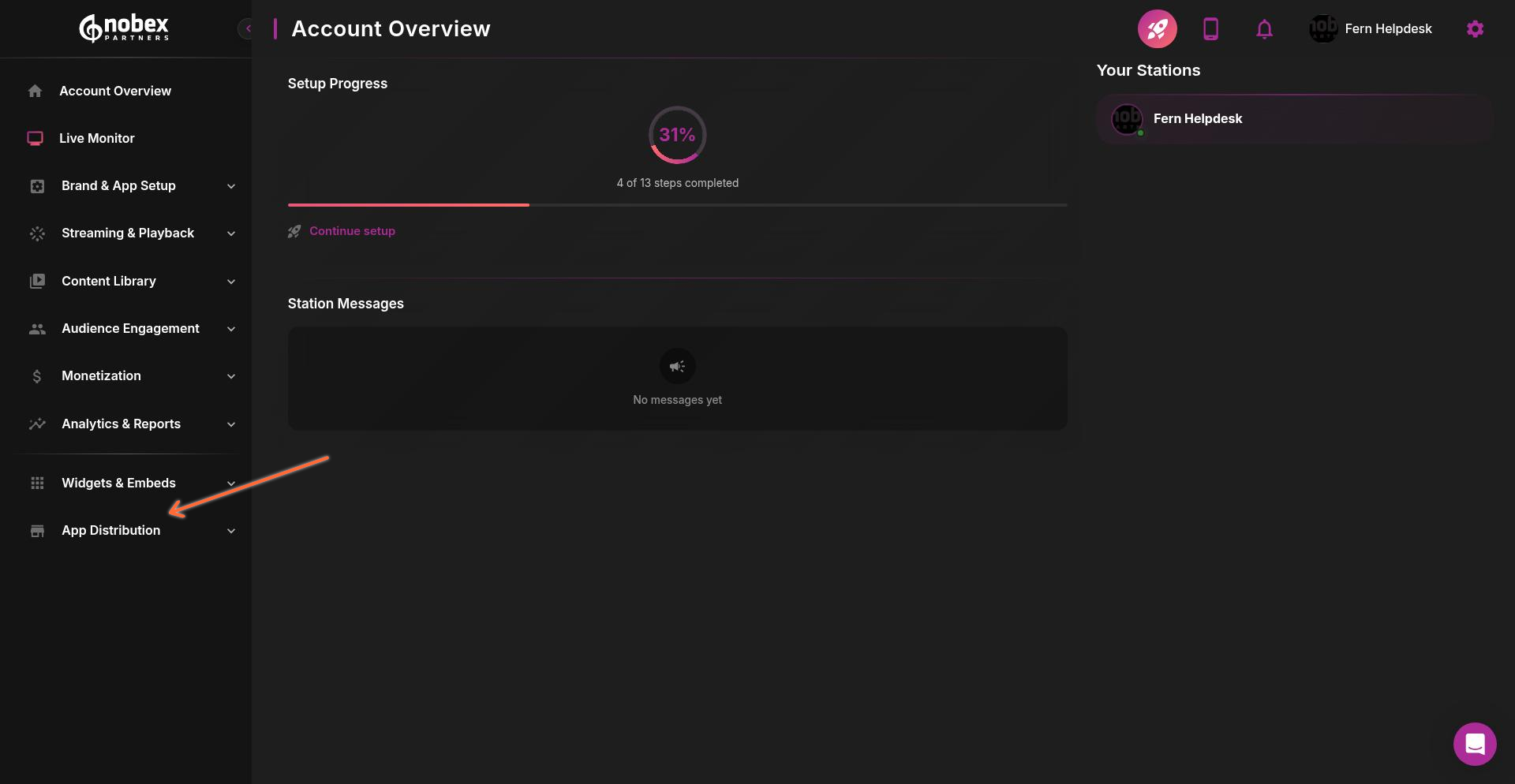
The App Distribution dashboard shows three main features:
App Store Availability
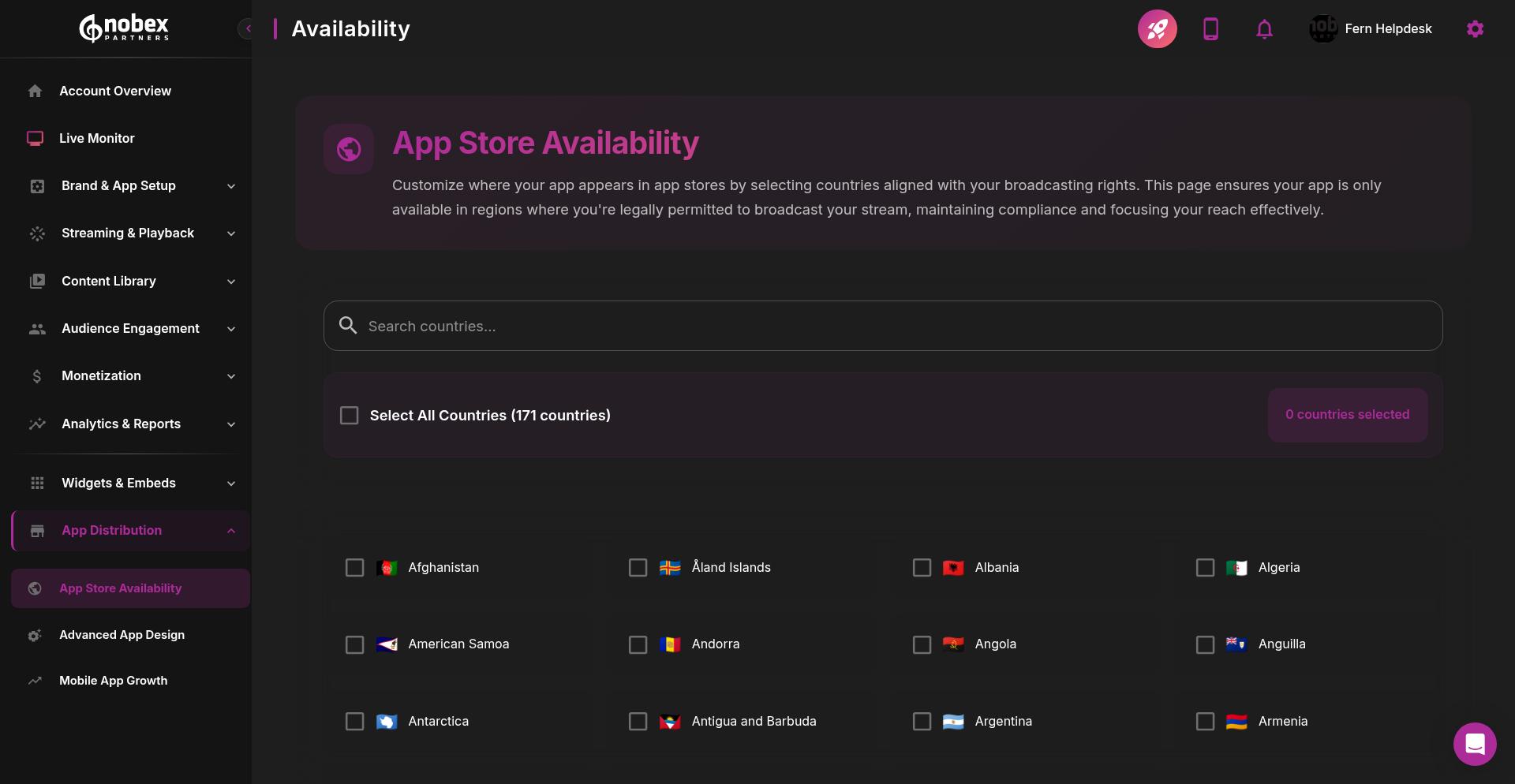
Control which countries and regions can download your app from the Apple App Store and Google Play Store.
Review your music licensing agreements carefully before selecting markets. Some licenses restrict streaming to specific regions or countries.
To configure your app's availability:
Click on the App Store Availability card
Review the current market settings for both iOS and Android
Select or deselect countries based on your licensing rights
Save your changes
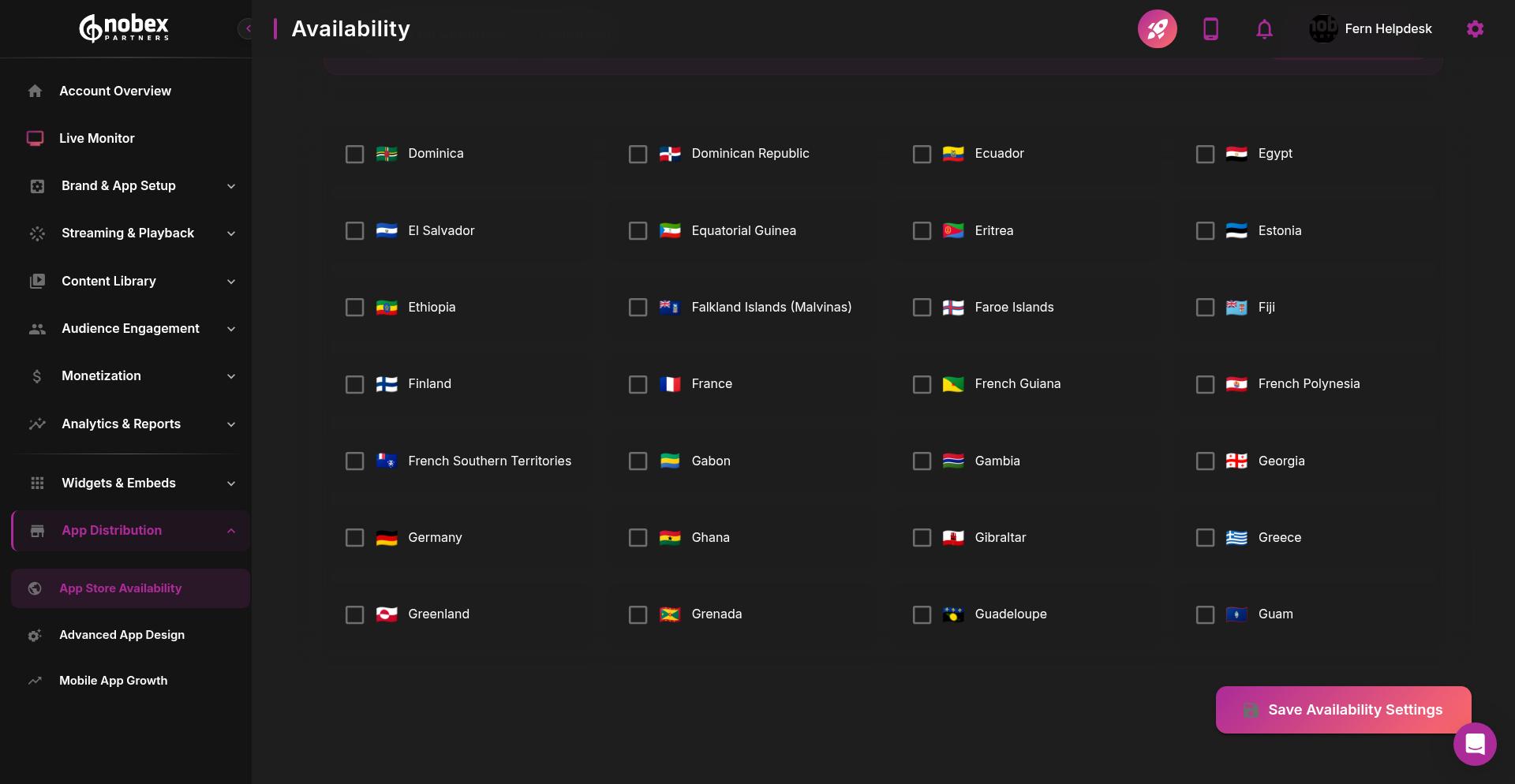
Changes to store availability typically take 24-48 hours to process through Apple and Google's systems.
Advanced App Design
Upgrade from the standard template to professional custom graphics and optimized layouts designed by Nobex's design team.
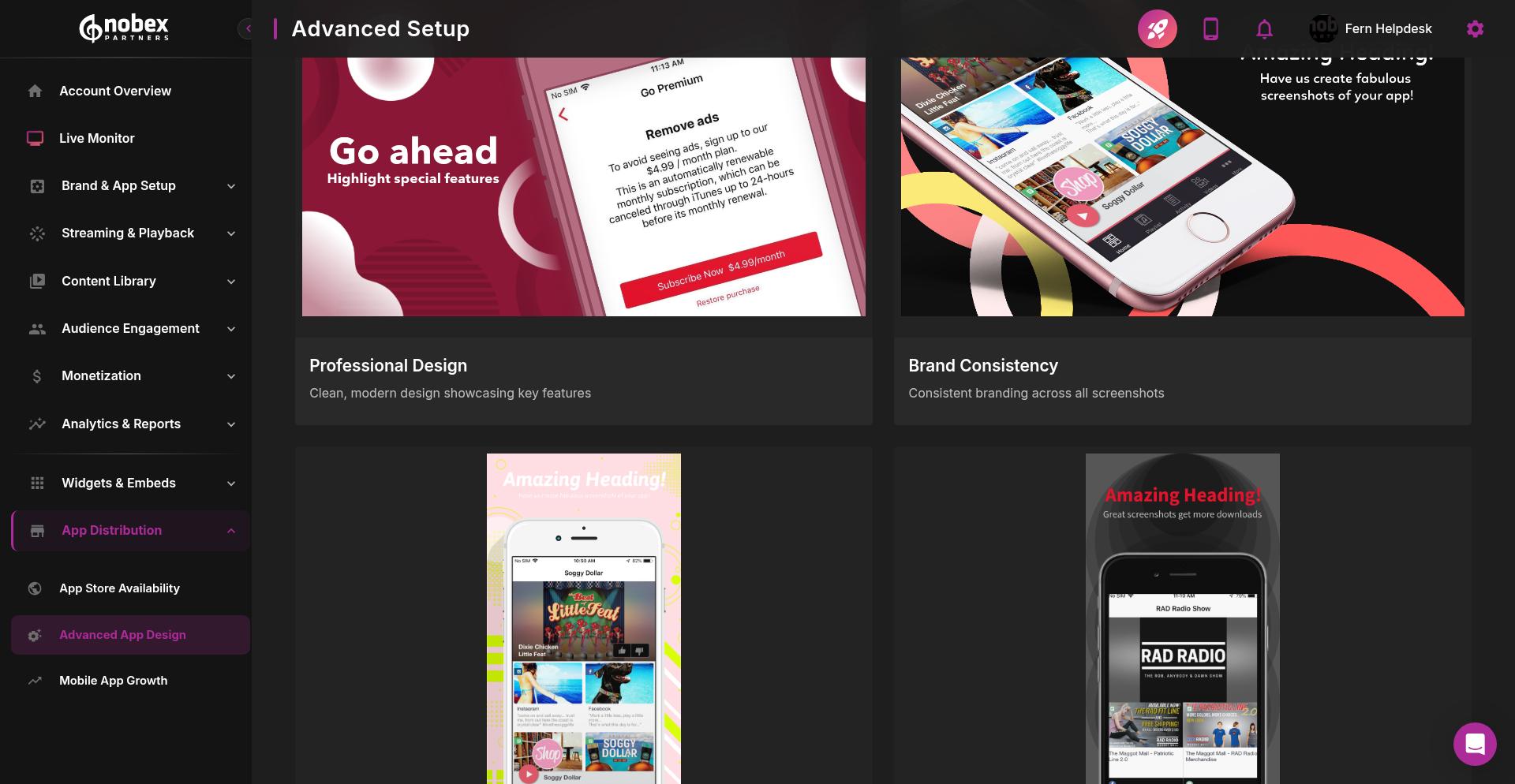
The Advanced App Design service includes:
Custom graphics tailored to your brand identity
Professional UI/UX optimization for better user engagement
App store screenshots designed to maximize downloads
Icon design that stands out in app stores
Branded splash screens and loading states
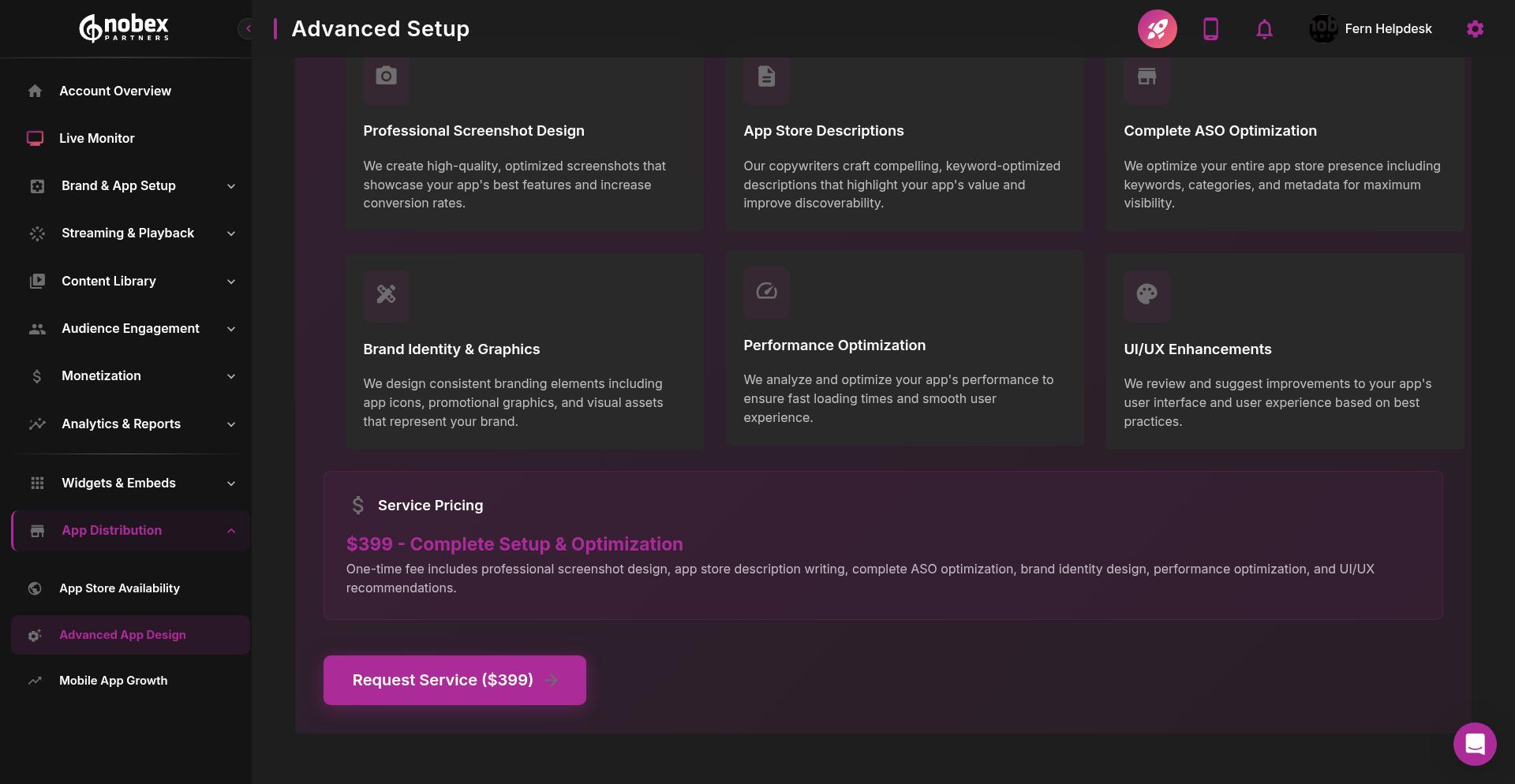
Professional design can significantly increase download rates and user retention. Users are more likely to trust and engage with apps that look polished and professional.
To request Advanced App Design services, click the card and complete the design brief form. The Nobex team will contact you within 1-2 business days to discuss your requirements and timeline.
Mobile App Growth
Access tools and services to help grow your app's user base and engagement.
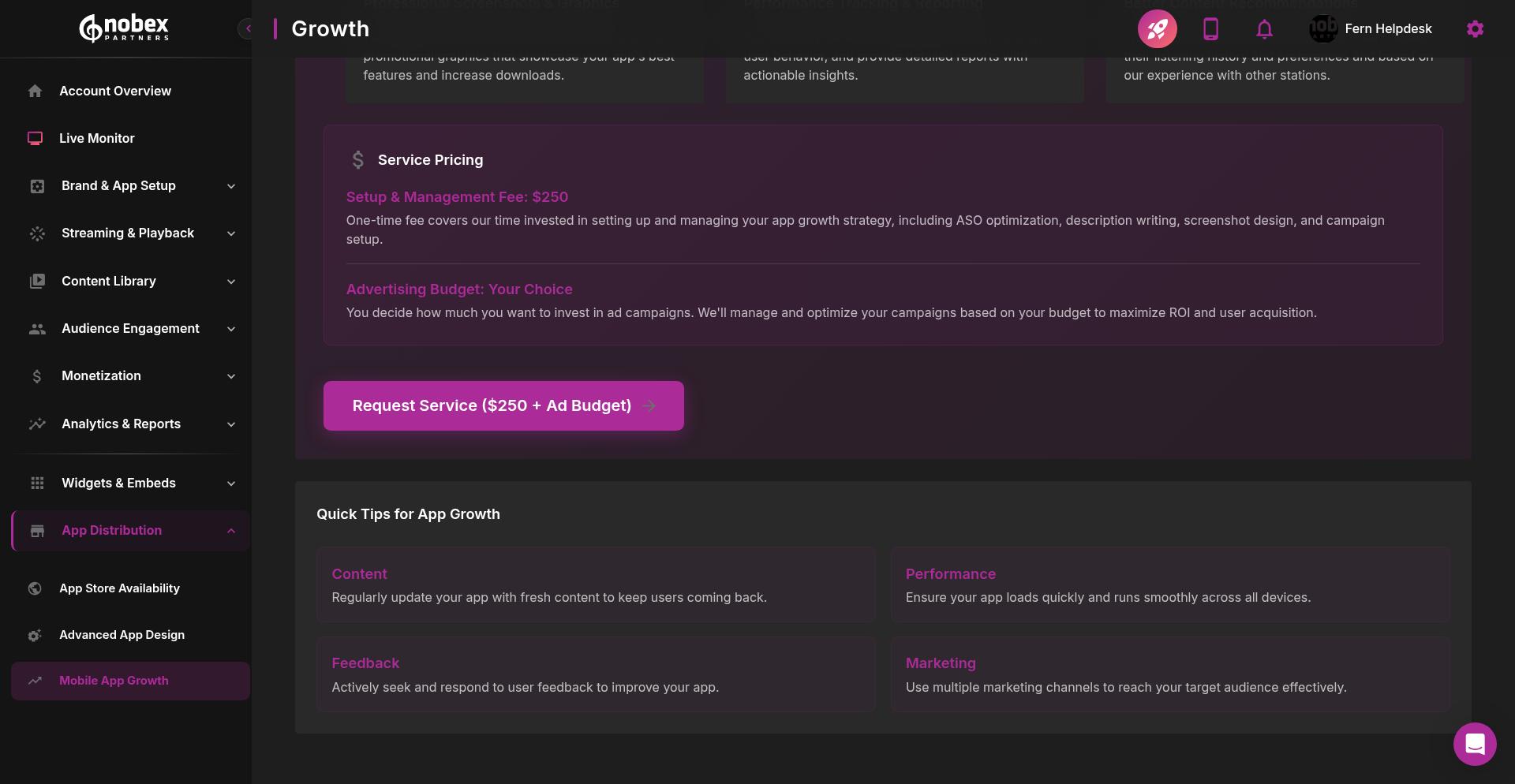
The Mobile App Growth service provides:
App Store Optimization (ASO) guidance to improve discoverability
Marketing strategy consultation for user acquisition
Analytics review to identify growth opportunities
Best practices for push notifications and engagement
Cross-promotion strategies for existing audiences
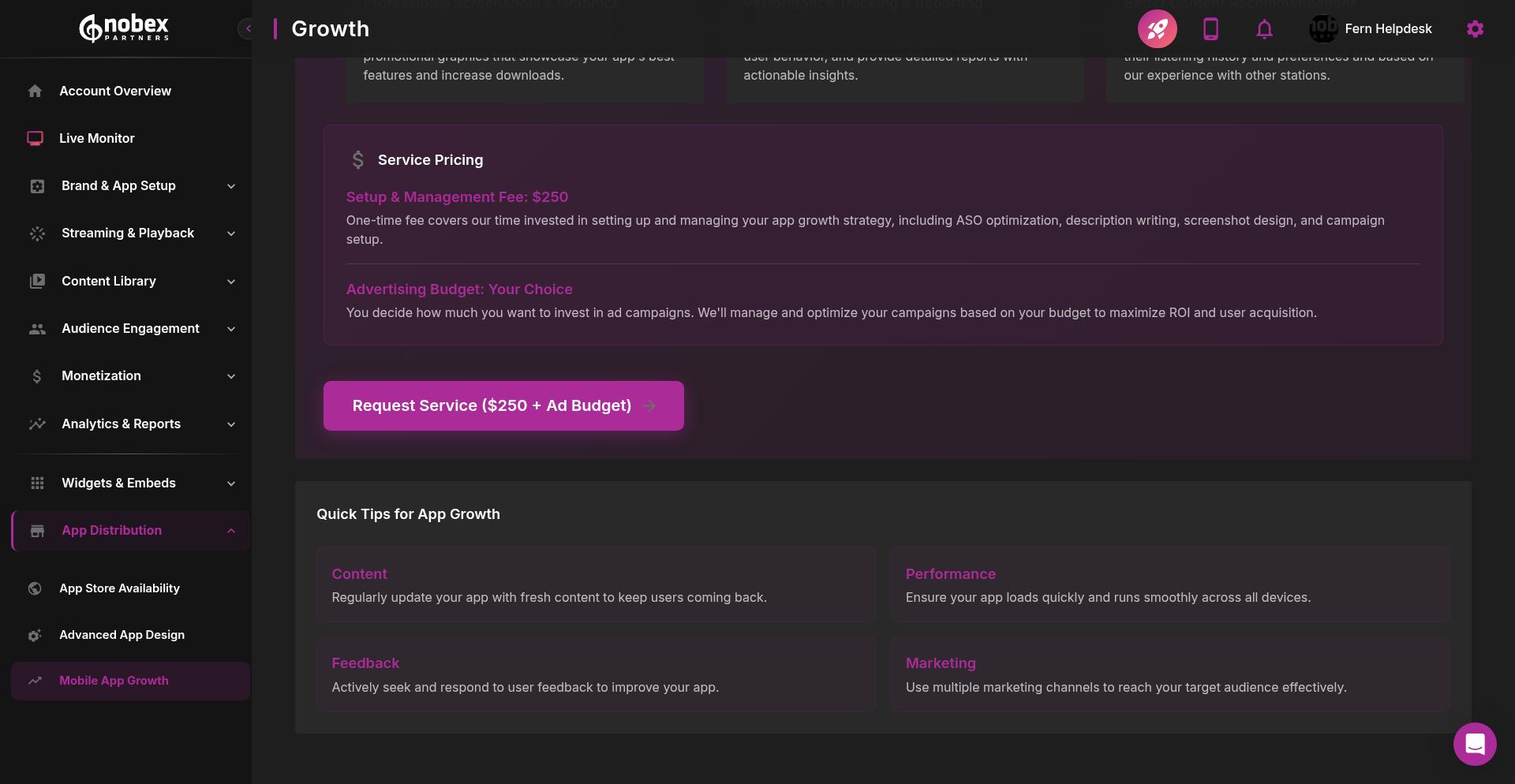
Click the Mobile App Growth card to schedule a consultation with the Nobex growth team. They'll analyze your current app performance and recommend specific tactics to increase downloads and active users.
Combining Advanced App Design with Mobile App Growth services gives you both a professional-looking app and a strategy to get it in front of more users.
Next Steps
After configuring your distribution settings:
Monitor your app's performance in different markets using your developer console
Adjust availability based on licensing changes or expansion plans
Review analytics to see which markets drive the most engagement
Consider Advanced App Design if your current template isn't converting users
For questions about App Distribution features, contact the Nobex support team through your admin portal.