
Manage Subscriptions
Manage Subscriptions lets you view your current plan, upgrade or downgrade, update billing information, and review payment history.
Only Administrators can access subscription and billing management.
Accessing Subscription Management
Navigate to Subscriptions from the header menu or visit /subscriptions.
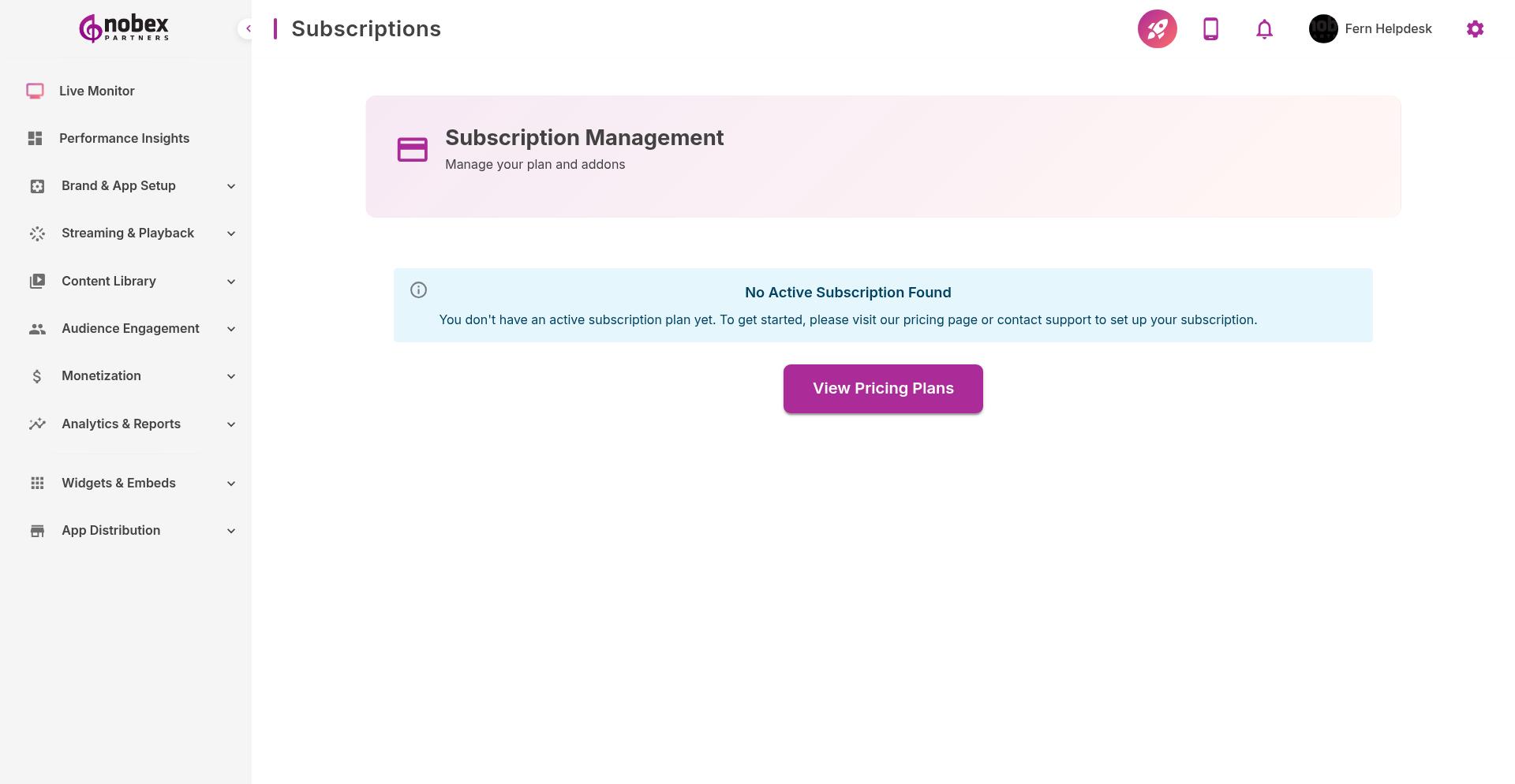
Current Plan Details
View your active subscription:
Plan Name — Basic, Pro, or Enterprise
Billing Cycle — Monthly or annual
Renewal Date — When your next payment is due
Included Features — What your plan includes
Usage Limits — Monthly listener cap, storage, team members, etc.
Changing Your Plan
Click Upgrade or Change Plan to modify your subscription:
Upgrades — Take effect immediately; prorated billing applied
Downgrades — Take effect at next renewal to avoid mid-cycle disruption
Cancellation — Service continues until the end of the current billing period
Nobex plan pricing: Basic (essentials for small stations), Pro (advanced analytics and AI insights), Enterprise (SLAs, custom features, dedicated support). Contact [email protected] for Enterprise pricing.
Billing Information
Update payment details:
Payment Method — Credit card or ACH transfer (Enterprise only)
Billing Address — Used for invoices and tax purposes
Billing Email — Where invoices are sent (can differ from account email)
Payment History
Access past invoices and receipts. Download PDFs for accounting purposes or to verify charges.
Switch to annual billing for a discount (typically 15-20% savings vs. monthly). Enterprise plans support custom billing terms.
Developer Account Fees
Remember: Your Nobex subscription covers the platform and app builder. You must separately pay Apple ($99/year) and Google ($25 one-time) for developer accounts. Nobex handles submissions but customers pay these fees directly to Apple/Google.