
Forms
Forms let you collect structured information from listeners—contest entries, feedback surveys, event registrations, or custom requests. Build forms using templates or create fully custom forms.
Accessing Forms
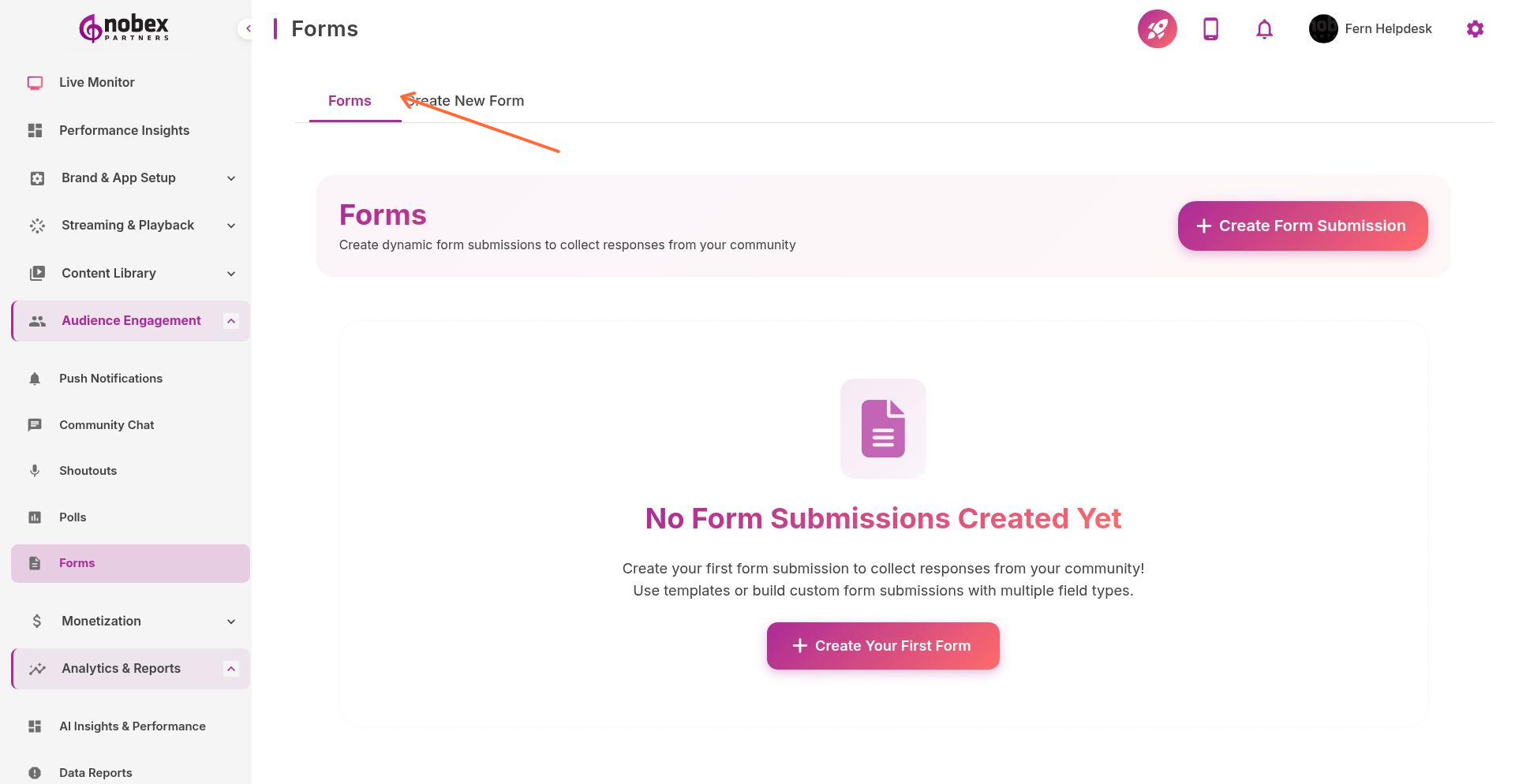
Navigate to Forms from the sidebar or visit /forms.
Creating a Form
Switch to the Create New Form tab or visit /forms/create.
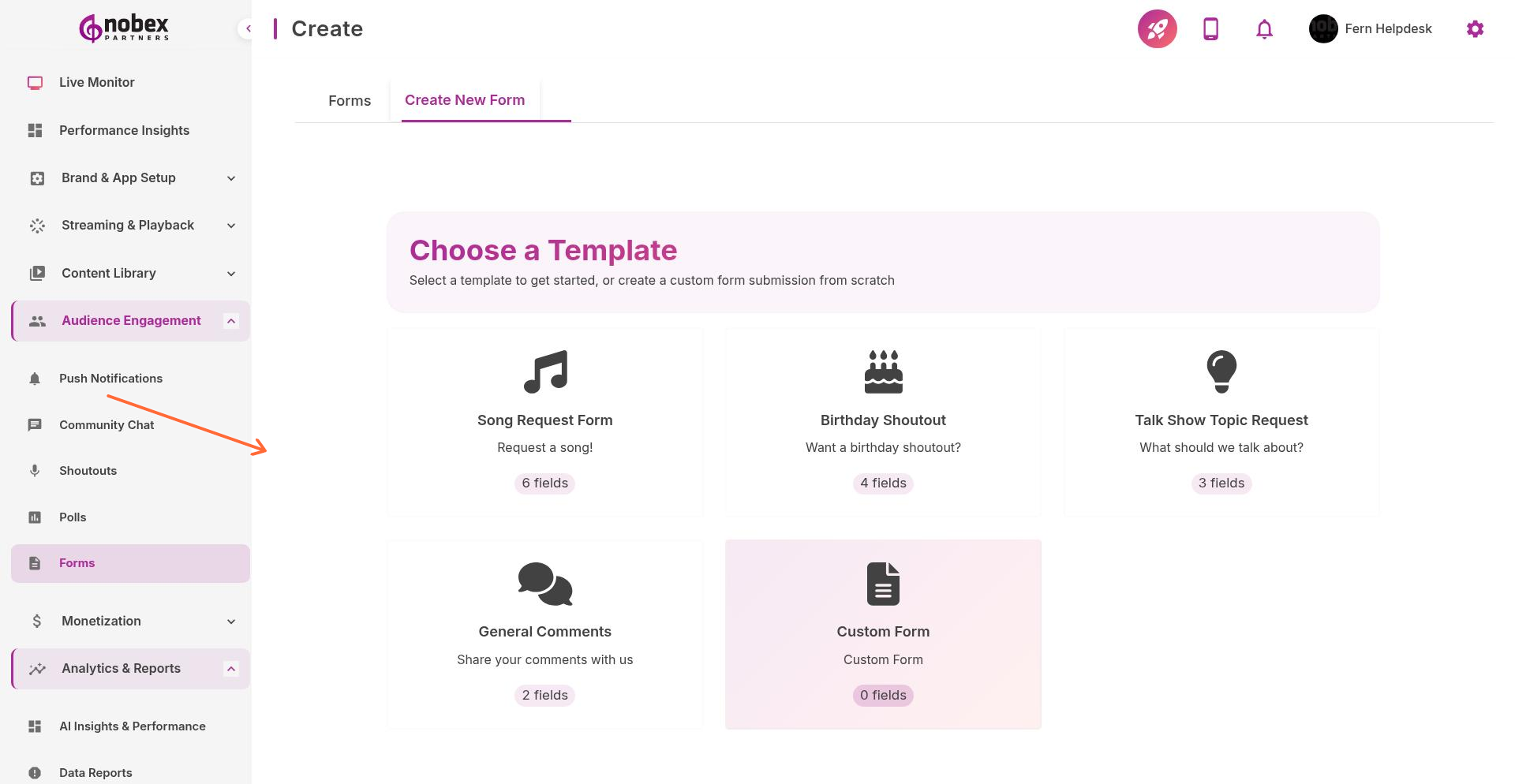
Choose from templates or build a custom form:
Song Request Form — Collect song title, artist, and dedication message
Birthday Shoutout — Gather celebrant name, age, and special message
Talk Show Topic Request — Let listeners suggest discussion topics
General Comments — Open feedback form
Custom Form — Build from scratch with any fields you need
Form Fields
Add any combination of:
Text Input — Short answers (name, email, etc.)
Text Area — Longer responses (comments, stories)
Multiple Choice — Select from predefined options
Checkboxes — Select multiple options
Date/Time Picker — Schedule or event date selection
File Upload — Accept images or documents
Mark fields as required or optional. Too many required fields reduce completion rates.
Managing Submissions
View all form responses at /forms/submissions/:formId. Export submissions to CSV for analysis or integration with other tools.
Forms can trigger automated actions—send a thank-you push notification when someone submits, or add email addresses to your newsletter list.