
Song Engagement Reports
Song Engagement Reports show which tracks drive the most listener activity. Use this data to refine your playlist, identify hits, and make programming decisions based on real listener behavior.
Song Engagement requires accurate now-playing metadata from your stream. Ensure your broadcasting software is sending track info to Nobex.
Accessing Song Engagement Reports
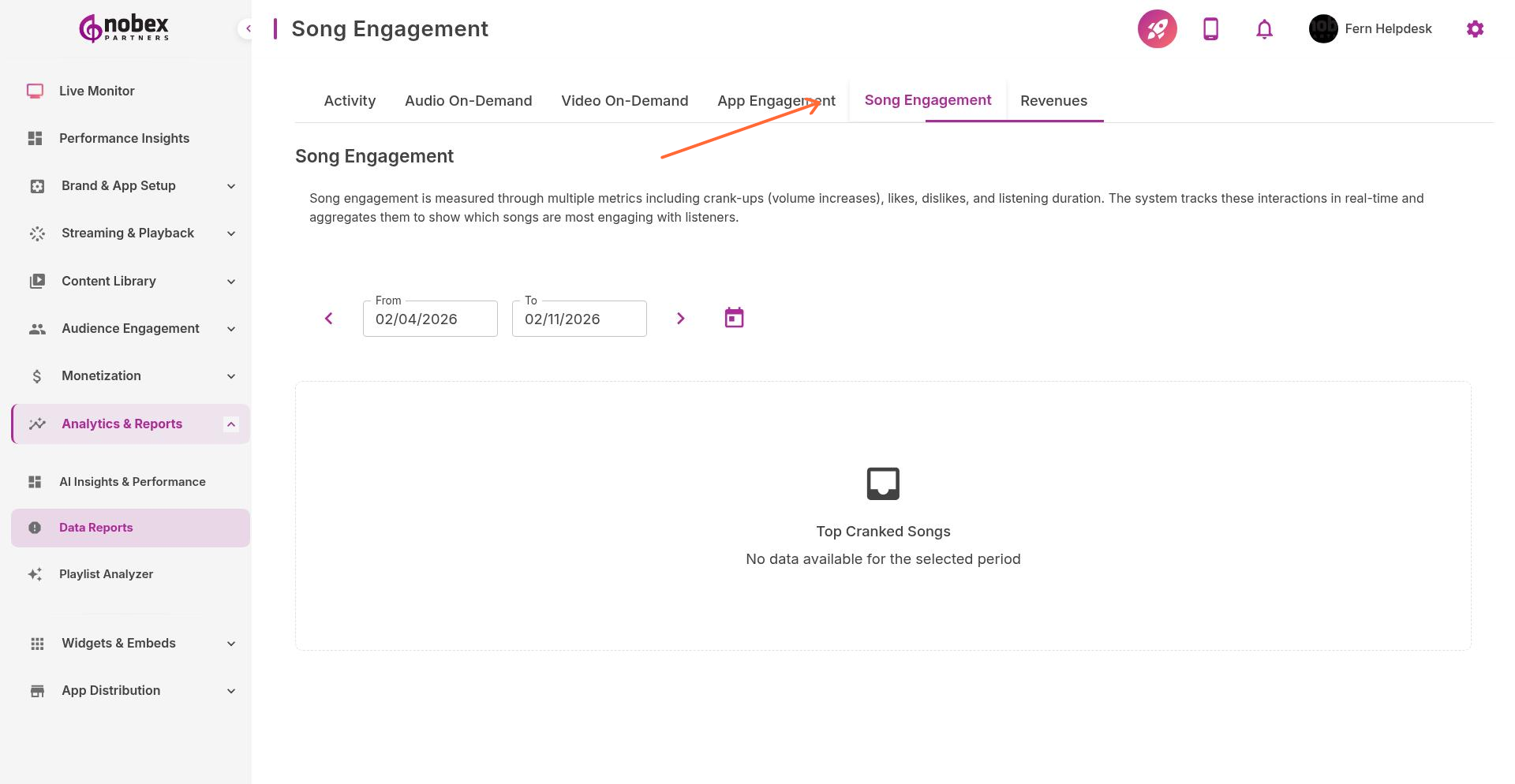
Navigate to Reports and select the Song Engagement tab, or visit /reports/song-engagement.
Key Metrics
Listeners During Song — How many people were tuned in when each track played
Listener Change — Did the song cause people to tune in or tune out?
Song Request Count — How many times listeners requested this track via shoutouts
Skip Rate — Percentage of listeners who stopped the stream during this song
Engagement Score — Overall track performance combining multiple factors
Identifying Trends
Look for patterns in the data:
Tune-In Songs — Tracks that attract new listeners (increase listener count)
Tune-Out Songs — Tracks that cause people to leave (drop listener count)
Request Favorites — Most-requested songs (consider playing more often)
Time-of-Day Performance — How songs perform at different times
One bad day doesn't mean a song is unpopular. Look at trends over weeks, not individual plays.
Using Song Data
Apply insights to improve your programming:
Build playlists around high-engagement tracks
Schedule tune-in songs during low-listener periods to boost numbers
Remove or reduce frequency of consistent tune-out tracks
Honor song requests that align with audience preferences