
Brand Settings
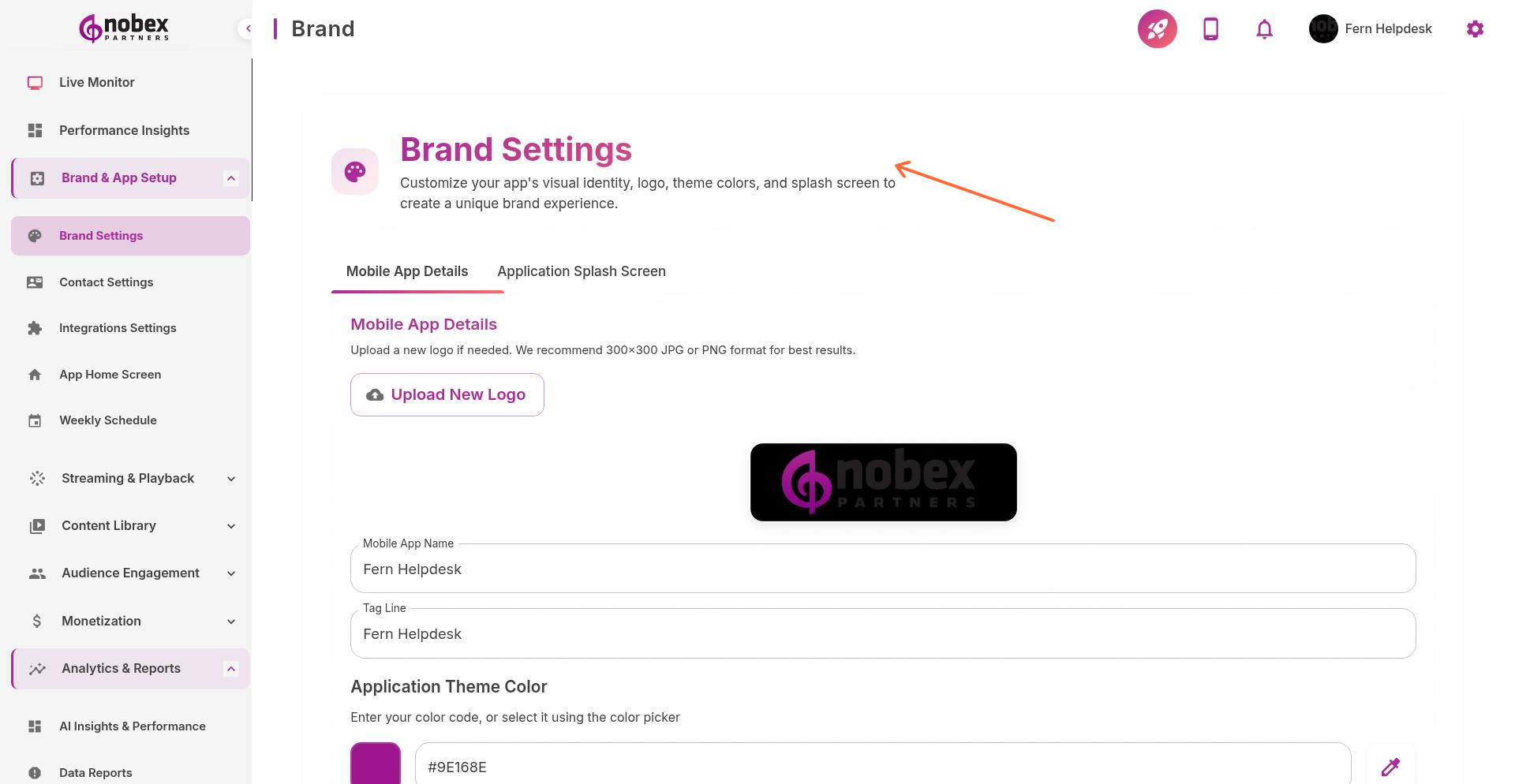
Brand Settings control your app's visual identity—name, logo, color scheme, and branding elements that appear throughout your iOS and Android apps.
Accessing Brand Settings
Navigate to App Settings → Brand or visit /app-settings/brand in your dashboard.
What You Can Customize
App Name — The name displayed on app stores and device home screens
Logo/Icon — App icon that appears on user devices (required for both iOS and Android)
Brand Colors — Primary and accent colors used throughout the app interface
Splash Screen — Image shown when the app launches
Logo changes require resubmission to Apple and Google app stores. Allow up to 10 days for approval.
Best Practices
Use high-resolution images (1024x1024 minimum for app icons). Choose brand colors with sufficient contrast for readability. Keep your app name concise—it displays on small device screens.