
App Home Screen Builder
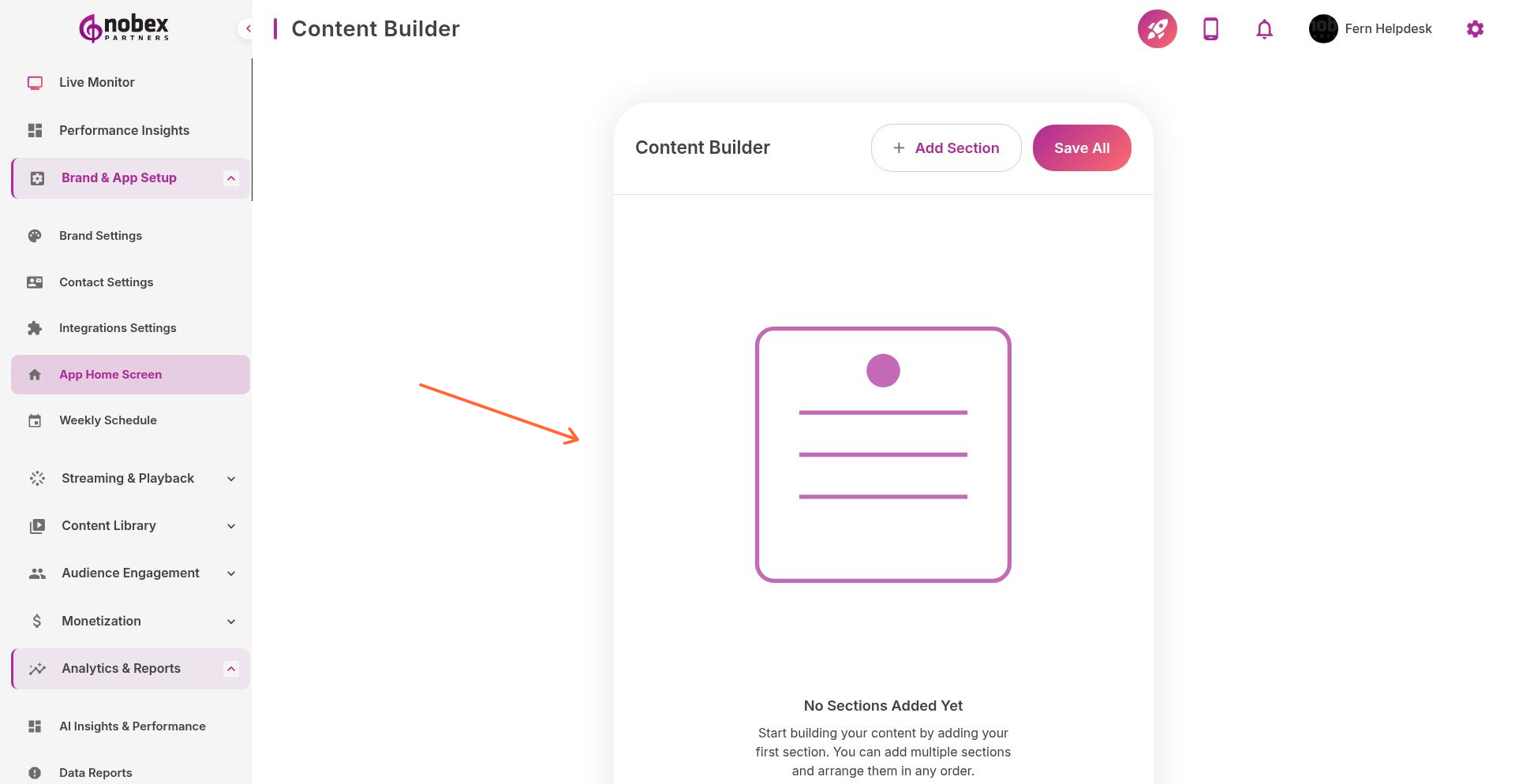
The Content Builder is a drag-and-drop tool for designing your app's home screen layout. Arrange sections, features, and content blocks exactly how you want them to appear to listeners.
Accessing the Content Builder
Navigate to Content Builder from the main menu or visit /content-builder.
Adding Sections
Click Add First Section (or Add Section if you already have content) to choose from available blocks:
Player Controls — Play/pause, volume, and track info
Now Playing — Current song or show information
On-Demand Library — Podcast episodes or archived shows
Social Feed — Latest posts from connected social accounts
Schedule — Weekly programming lineup
Custom Blocks — Banners, announcements, or promotional content
Rearranging Content
Drag sections up or down to reorder them. The top section appears first when users open your app. Prioritize your stream player and key features at the top.
Preview your layout on the right side of the screen as you build. Changes save automatically.
Best Practices
Keep your home screen focused—3 to 5 sections is ideal. Put your stream player at the top so listeners can start listening immediately. Use visual sections like album art or banners to break up text-heavy content.